June 29, 2026. 2:00 a.m. to 4:15 a.m..
Logo trouble
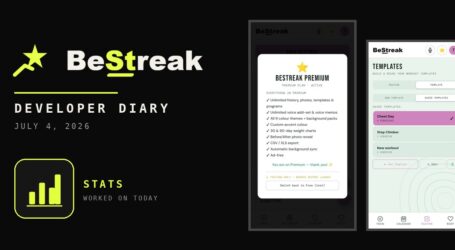
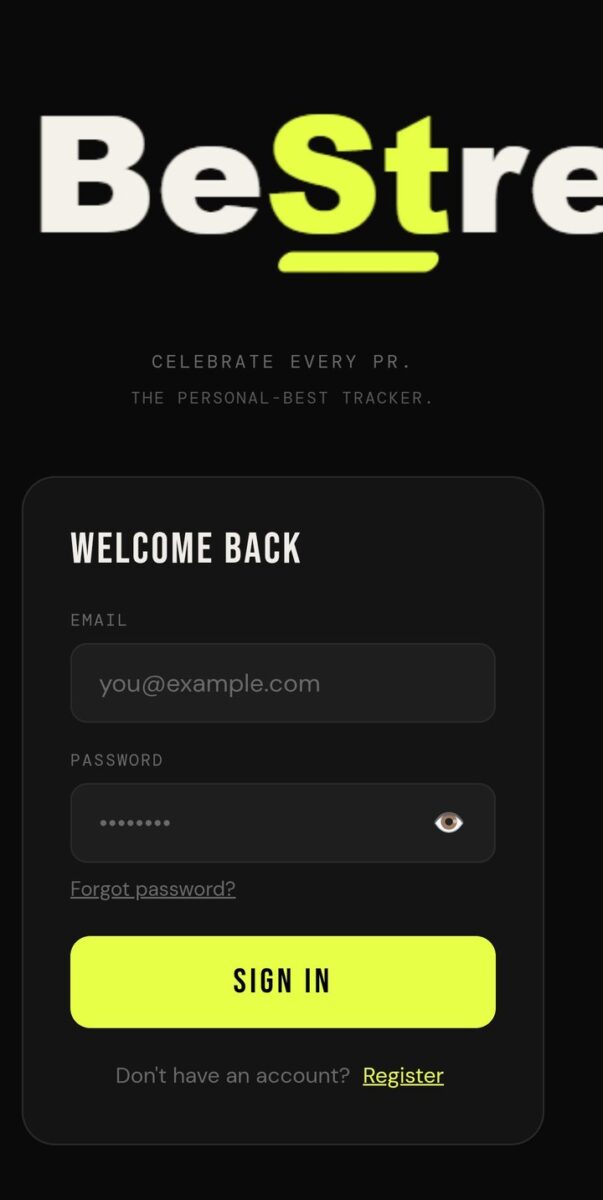
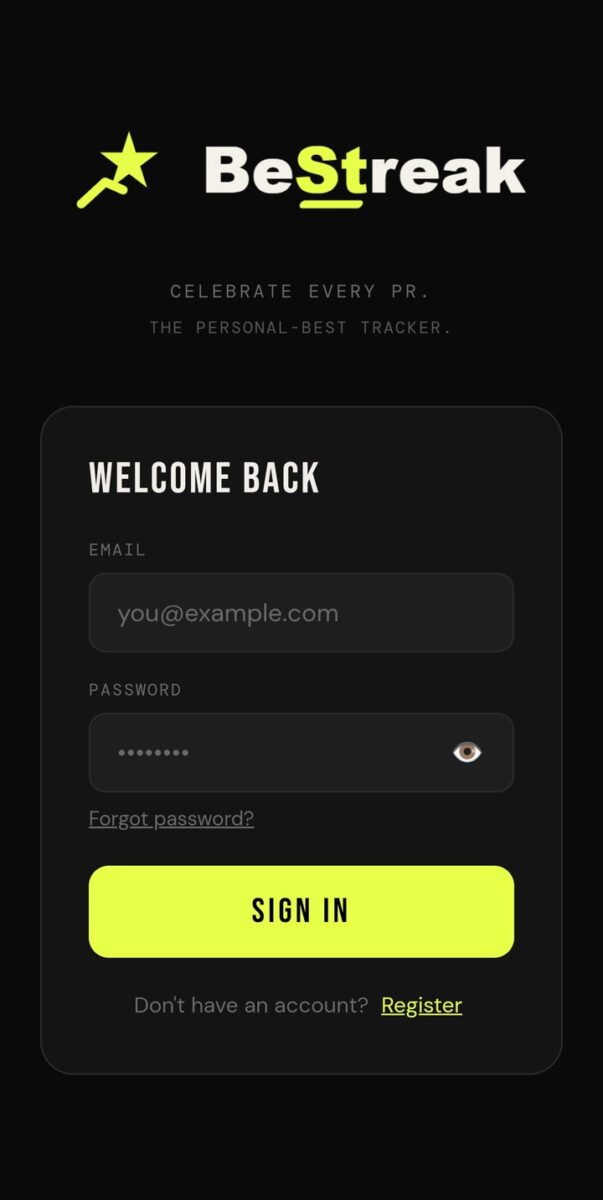
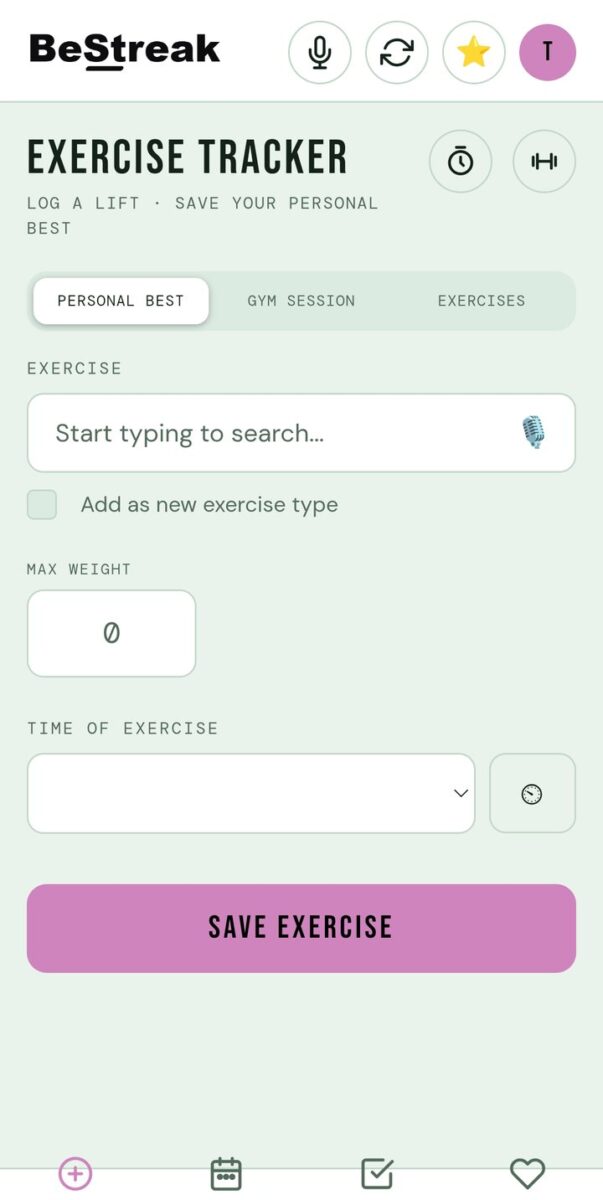
I got home around 2 a.m. and had the idea to continue to code. I modified the BeStreak logo and icons, created a new APK, and checked the app out. The logo was really wrong. It had a black background on a white top navigation bar.
I had to create transparent backgrounds, and when I loaded it back up, white text on a white background made it almost invisible. So I had to create two versions: one for a dark background and one for a light background. Each iteration took some time.
Tidying up
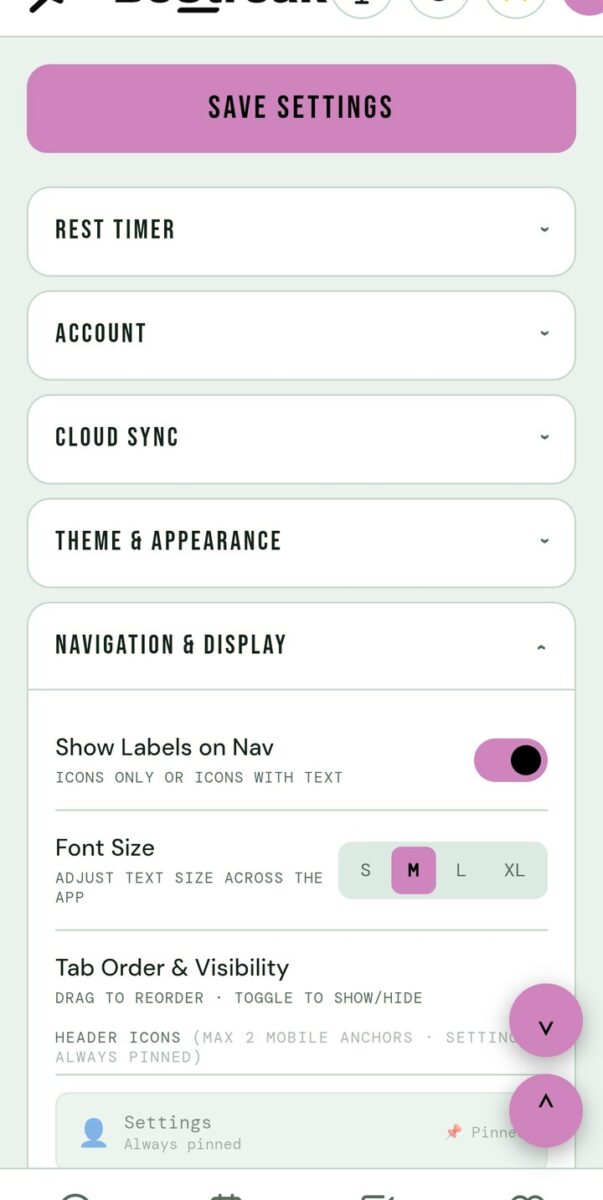
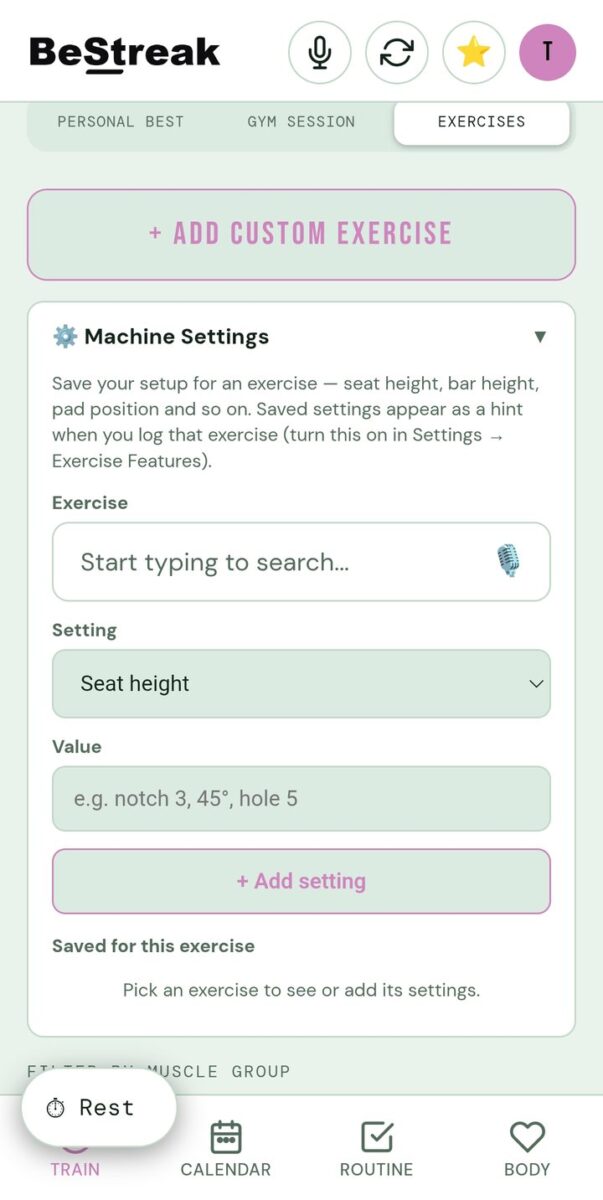
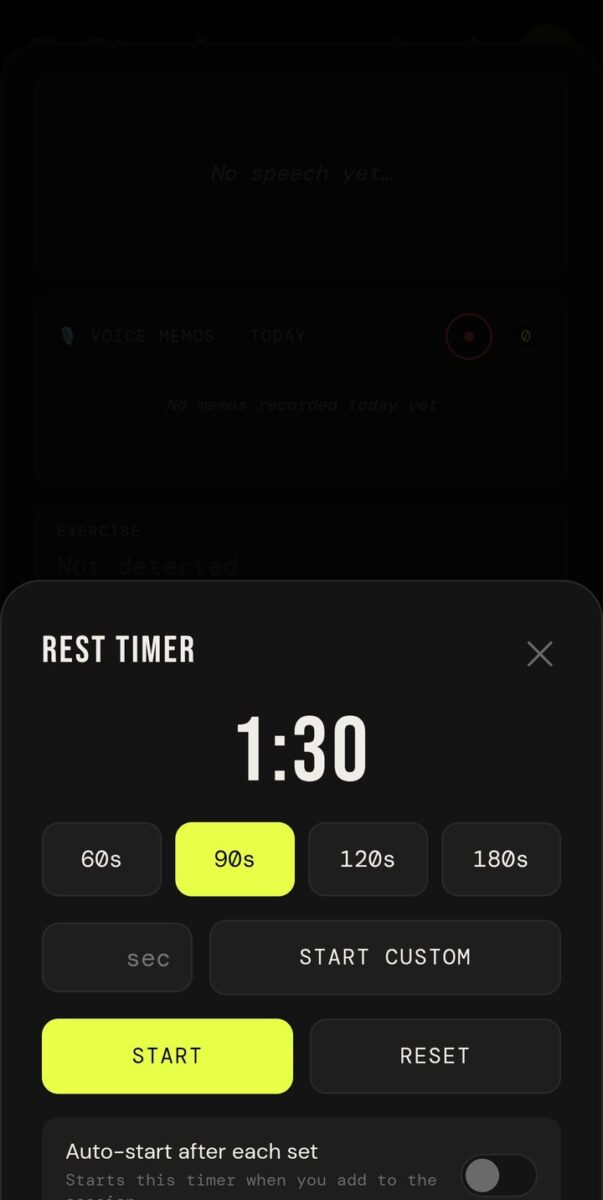
Then I found the rest timer was floating too low in the bottom nav, as were some buttons in the settings panel. I changed the settings panel so it was in a more logical order.
I also changed the exercises tab so that when you create a custom exercise, the machine settings are part of that form, and if you double click on a built-in exercise, you can tack machine settings onto it. By 4:15 a.m. I had coded that with Claude AI. I’ve created version 207. I don’t want to sleep.
App Features Log: June 29, 2026
- Separate logo versions for dark and light backgrounds
- Settings panel reordered
- Machine settings built into the custom exercise form and available on built-in exercises
Photos from today
Version reached today: v207

Log your personal bests, plan your weekly routine and build a workout streak you will not want to break. Download the app on Google Play.

Read what happens next in the dev diary: the next entry.

Diary Of A Mad Chaos is a daily diary written from March 1996 until today, of which individual books and book series have been created, namely “The Lost Years” an exploration of young, entwined love, the “Wubao In China (猎艳奇缘)” book series which provides an extensive comparative analysis of the cultural differences between Eastern and Western societies, and the book titled “Foreigner (华人)” an exploration of race relations in Australia.