
Wednesday, September 23, 2026
Getting rid of the system bars
I asked Claude to create an APK file and loaded it on my phone. The system bar and the bottom navigation bar were still showing up, and I don’t want that. I want the game to run full screen, so I asked it to start making a mobile friendly version.
Up until now I had only been making a desktop version, which is probably ideal anyway if I put it up on Steam.
Button layouts and Claude Design
I also asked it for some Claude Design prompts for the horizontal phone view. I want a user interface with an icon for each button, so I asked it to research what other people use for standard button layouts in this type of airplane scroller. It came back with a few versions.
The one I like has no fixed joystick at all. You drag anywhere to move, there’s full auto fire, and there’s no visible control for movement. I also thought people should be able to go into settings and pick a standard layout, so I asked for that too and got layout prompts for Claude Design.
I put the layout prompt into Claude Design to see what interface it would come up with. It was the first time I had used Claude Design for Sky Finder. Six months ago there was no Claude Design, and now I’ve put it through the ringer. I’m also going to make a main icon prompt package with ChatGPT.
The splash screen and the lag
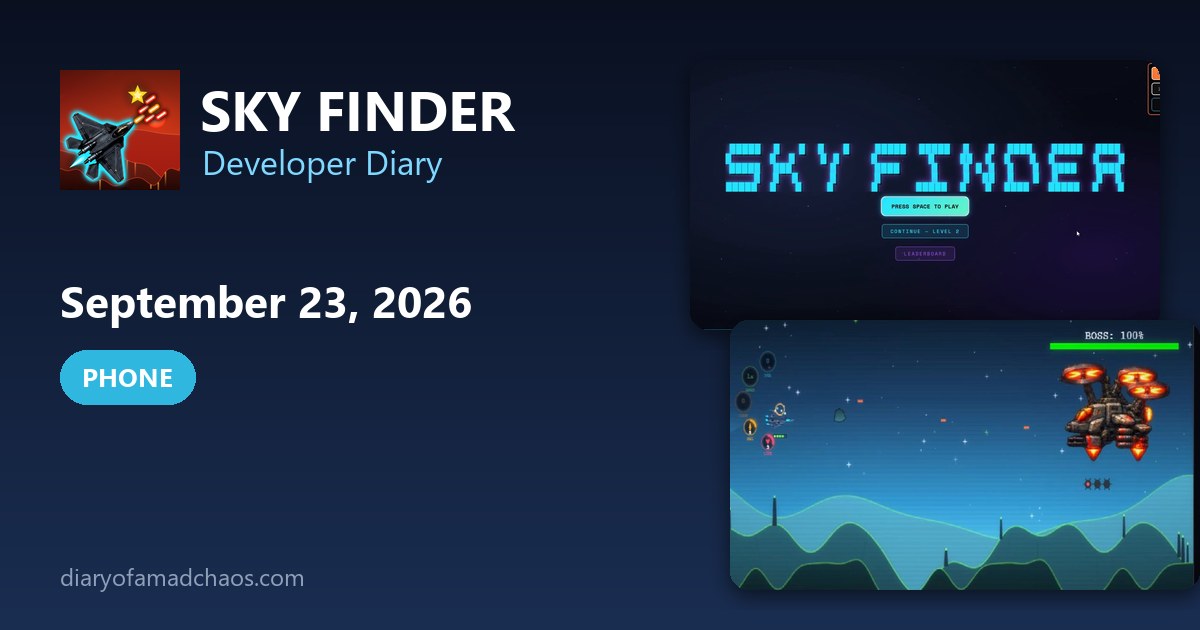
While designing, I also made a Sky Finder splash screen loop in a similar style to what the game has now, with the ASCII text. I also made an icon set for the HUD. Tonight I finished the splash screen and added the leaderboard button to it.
Then I loaded the APK onto the phone and it lagged very slowly. I put a debugger on the phone, copied the logs back to the computer and tried to work out what was happening.
Blurry scaling and 12 frames per second
I didn’t advance the gameplay today. It was all about getting the game ready for mobile. On desktop I’d had to widen the screen, and it was at a fixed ratio with a blurry, murky look. When I shrank it down to mobile size it was still blurry and only looked right at one fixed resolution. Claude found that the issue was desktop scaling.
The bigger problem is speed. On the phone it drops to 10 to 12 frames per second, and something is using about 100 milliseconds per frame. I’m pretty sure it has to do with the wall rendering. I’m going through it step by step, reading debug logs and giving them to Claude, and Claude does something, and eventually we’ll get there. I stayed up far longer than I should admit.
Bot characters, boss sprites and aircraft
In ChatGPT I was also creating the versus bot characters. There were 12 of them. I’d copy in the character from the old version made in Claude Design, it would create four standard sprites, and I’d copy those back into the characters/bots folder.
Later in the evening I got distracted by the boss sprites. I wanted them to keep the same hull without any movement, but ChatGPT draws the sprite differently every time, so the frame looked like it was bending in a comical way. Claude had a go and got pretty close. Then some cropping ruined the image, and I spent more than an hour and a half trying to find what was doing it. Nothing worked.
Back in the Claude Code session I had it update the progress register and the enemy aircraft register. I asked for a display with the levels along one axis and a small square icon of each aircraft along the other, so I can see which level each one arrives on. I also asked it to code about nine more aircraft that had art done but weren’t in the game yet. I think about 20 more are still to go.
A new superpower for Star Finder
I came up with another superpower and made the sound effect for it. It’s a locked-in machine gun that follows every enemy on the screen. It fires 10 bullets at one target, switches straight to the next, and keeps going for about 10 seconds, from the closest enemy at the top down to the furthest. The sound is like a rotating rattle gun with a whiz at the end.
I don’t know if it should be a five star, 10 star or 25 star power up. It’s going to get complicated with so many, so I think it should be a one off collectible. You could save them so they float next to you and tap to use them, or they get used as soon as you pass over them.
I also think firepower and shields, which are purchases now, could become random rare collectibles. Maybe Claude could create 25 to 100 of them.
Videos on Twitter
The last thing I did around 4 a.m. was post videos on Twitter. The Star Finder videos get a lot of traction. One was already at 1,300 viewers, and four or five people clicked through looking for a link. I checked my handle and there was no link attached. I slapped my head, and attached a link to one of my other games for now.
What I told Claude Code
The prompts from the first hours of the phone version show how it went. The first one, at 12:27 a.m., was a list of complaints.
Remove that huge sandbox box top right of the screen. It’s too big and doesn’t belong on mobile devices. I am pressing all the buttons on mobile phone for roll, fire, misl, etc, and none of them are working.
I asked for the buttons to sit on a rolling slanted angle, rising towards the right edge of the screen. At 1:15 a.m. I asked what is good for UI design on a phone in horizontal view and whether Claude Design was good at it, and I asked for a list of items that would appear as info or touch buttons. Then I chose the layout: drag anywhere movement with full auto fire, no visible movement chrome and no dedicated fire button, with a settings icon top right to bring back the standard layout.
At 2:17 a.m. I wrote that on desktop the play area should stretch to fit the whole screen, and that player movement and the time bullets take to cross the screen should scale with it. When I explained my two options, I picked the one where sprites and speed both double. In the same prompt I added a rule, which I have kept since.
Each time you create a new index.html file, also build a new apk, and add a version of that apk file into the archive folder.
By 2:52 a.m. I did not like how the game looked.
Why does the game screen look so foggy and blurry now compared to earlier versions of the game? It looks dreamy, like I have just opened my eyes in the morning and it’s a blur.
At 4:28 a.m. I wrote that it was still super slow on mobile phones, and by 4:48 I was asking for a more forensic logcat debugger, because it had to be something to do with how many loops it did in each game frame.
What I told Claude Code
The prompts from the first hours of the phone version show how it went. The first one, at 12:27 a.m., was a list of complaints.
Remove that huge sandbox box top right of the screen. It’s too big and doesn’t belong on mobile devices. I am pressing all the buttons on mobile phone for roll, fire, misl, etc, and none of them are working.
I asked for the buttons to sit on a rolling slanted angle, rising towards the right edge of the screen. At 1:15 a.m. I asked what is good for UI design on a phone in horizontal view and whether Claude Design was good at it, and I asked for a list of items that would appear as info or touch buttons. Then I chose the layout: drag anywhere movement with full auto fire, no visible movement chrome and no dedicated fire button, with a settings icon top right to bring back the standard layout.
At 2:17 a.m. I wrote that on desktop the play area should stretch to fit the whole screen, and that player movement and the time bullets take to cross the screen should scale with it. When I explained my two options, I picked the one where sprites and speed both double. In the same prompt I added a rule, which I have kept since.
Each time you create a new index.html file, also build a new apk, and add a version of that apk file into the archive folder.
By 2:52 a.m. I did not like how the game looked.
Why does the game screen look so foggy and blurry now compared to earlier versions of the game? It looks dreamy, like I have just opened my eyes in the morning and it’s a blur.
At 4:28 a.m. I wrote that it was still super slow on mobile phones, and by 4:48 I was asking for a more forensic logcat debugger, because it had to be something to do with how many loops it did in each game frame.
Photos from today
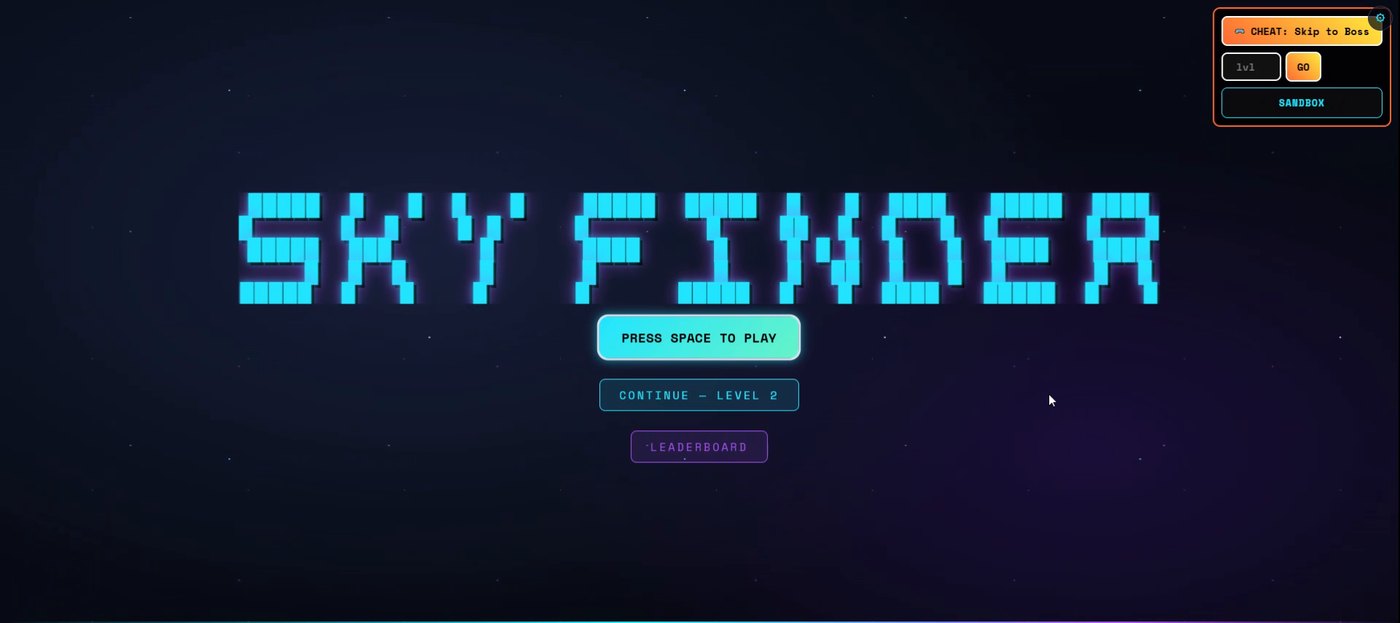
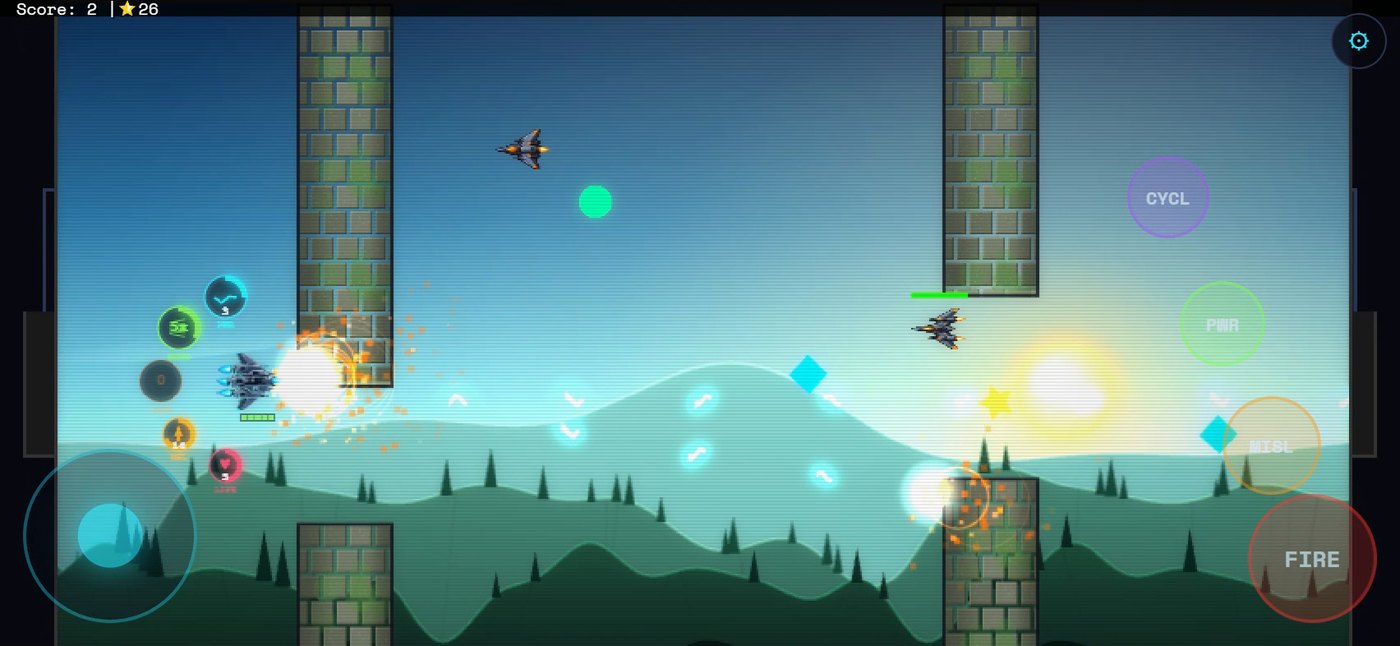
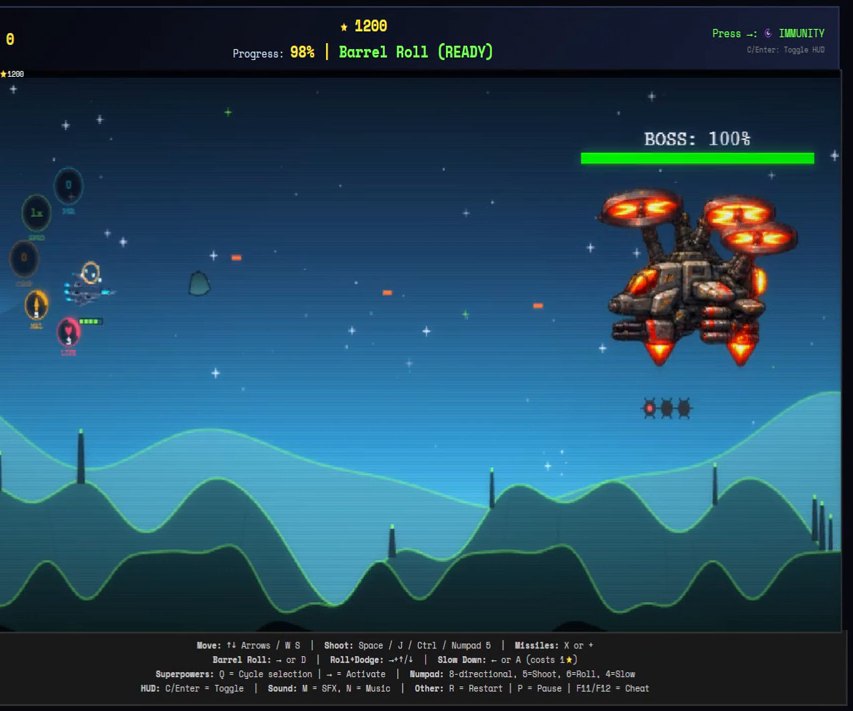
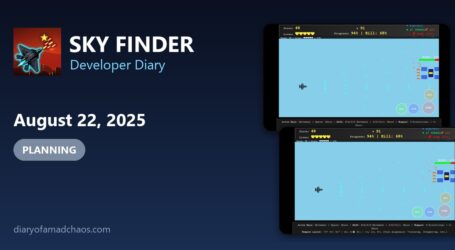
These are frames from a screen recording of the game that I made that day.
From the project files
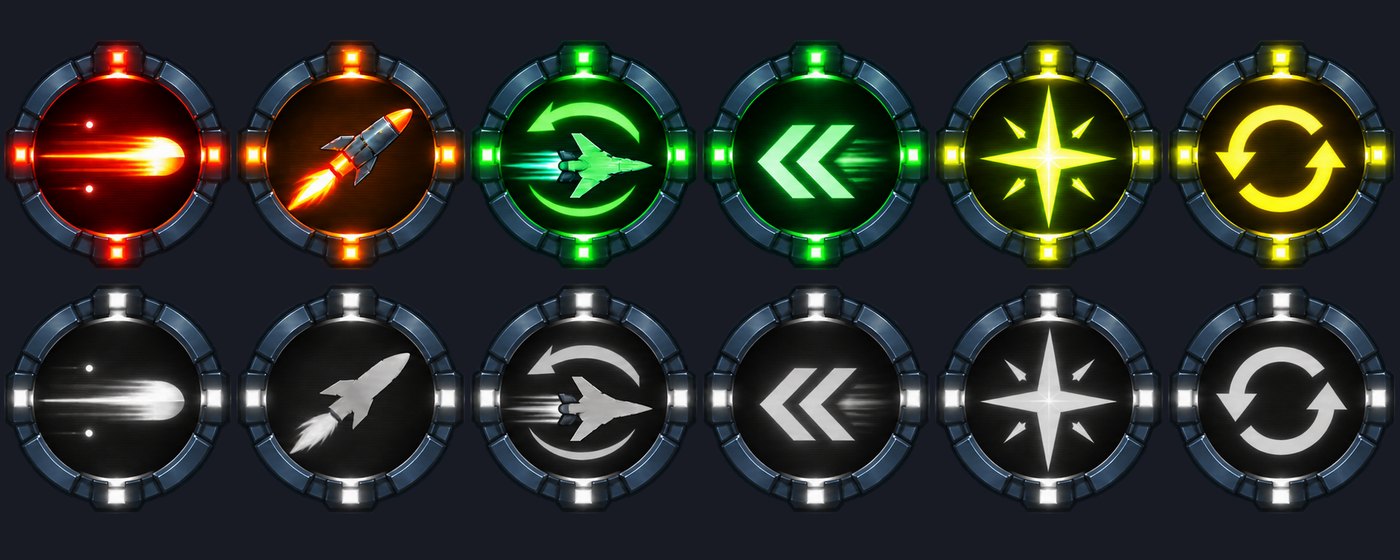
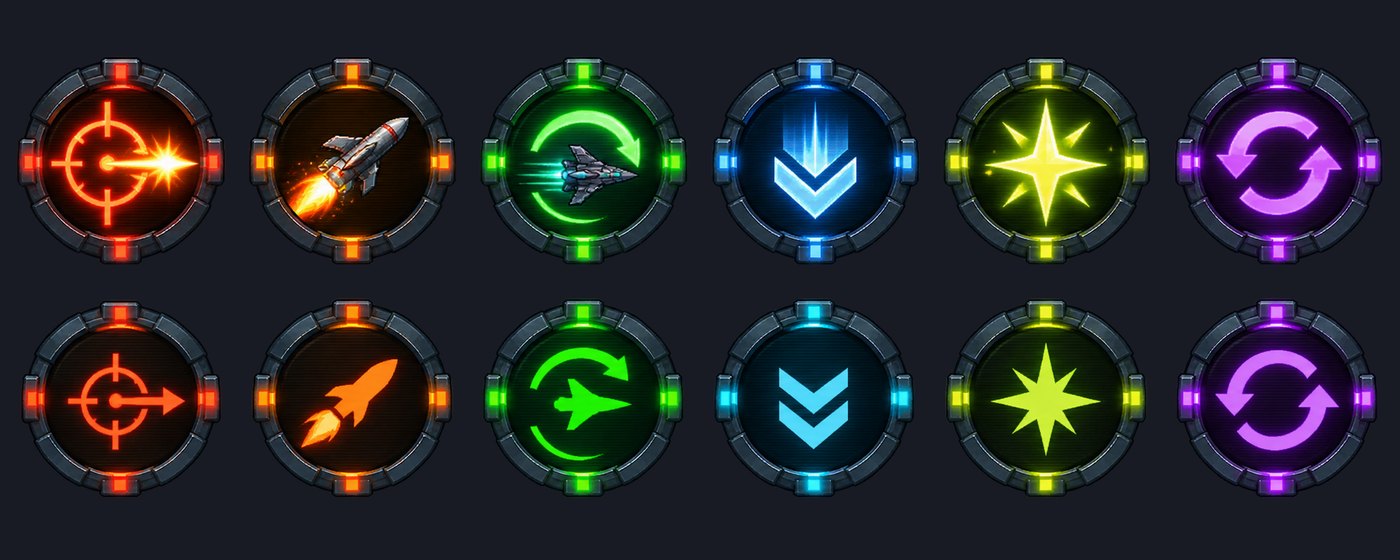
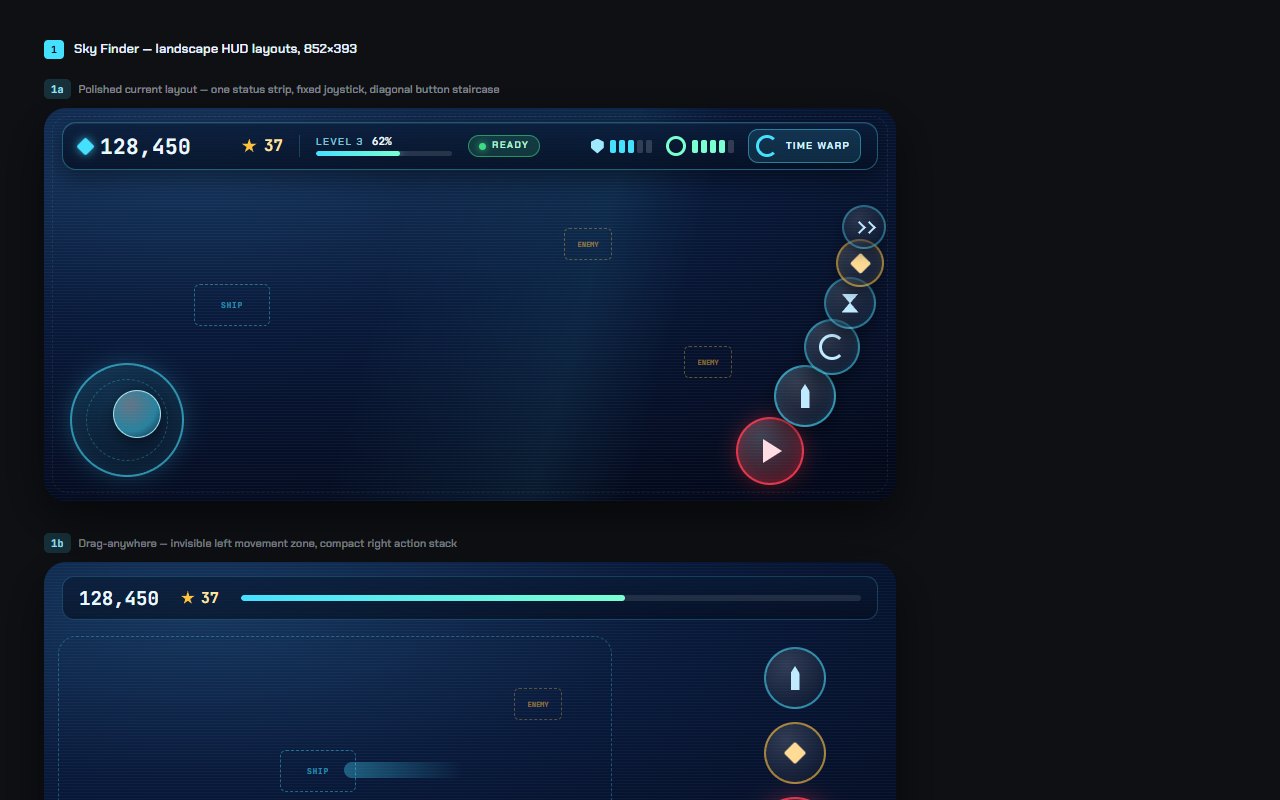
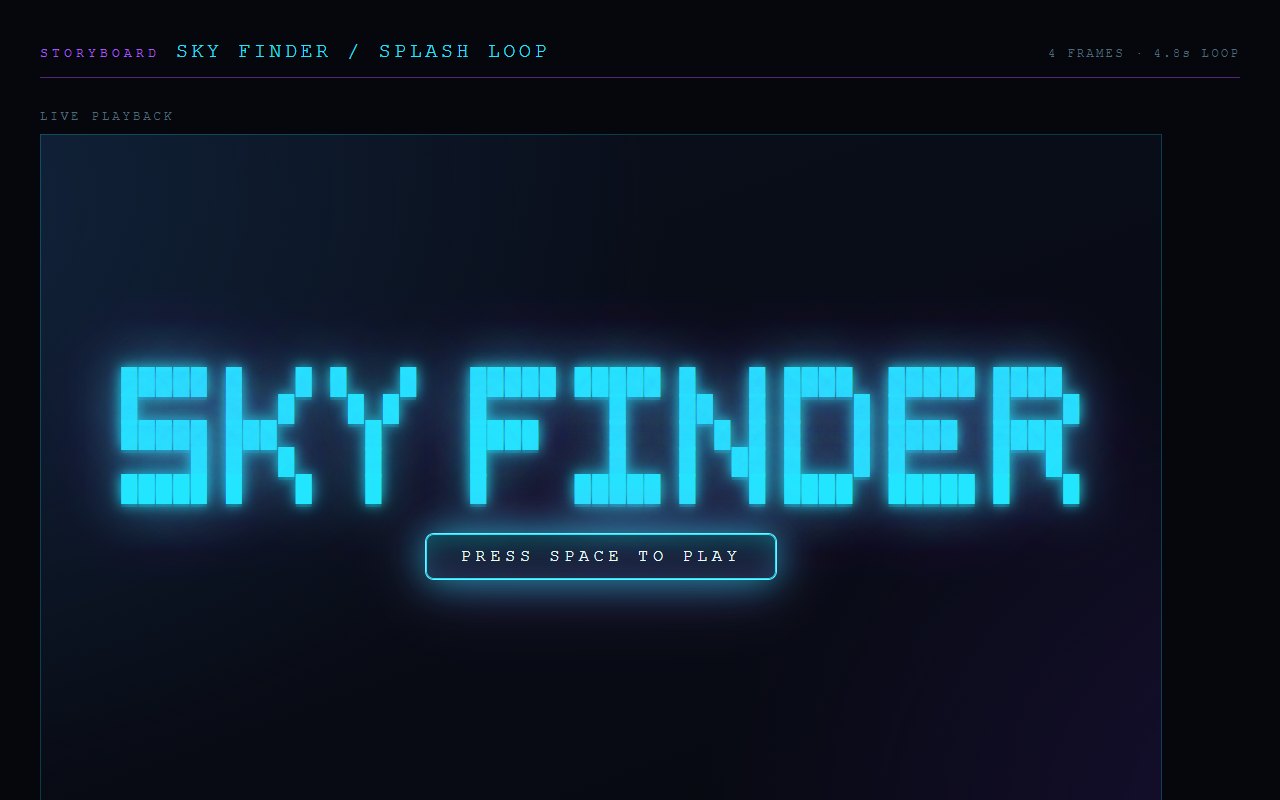
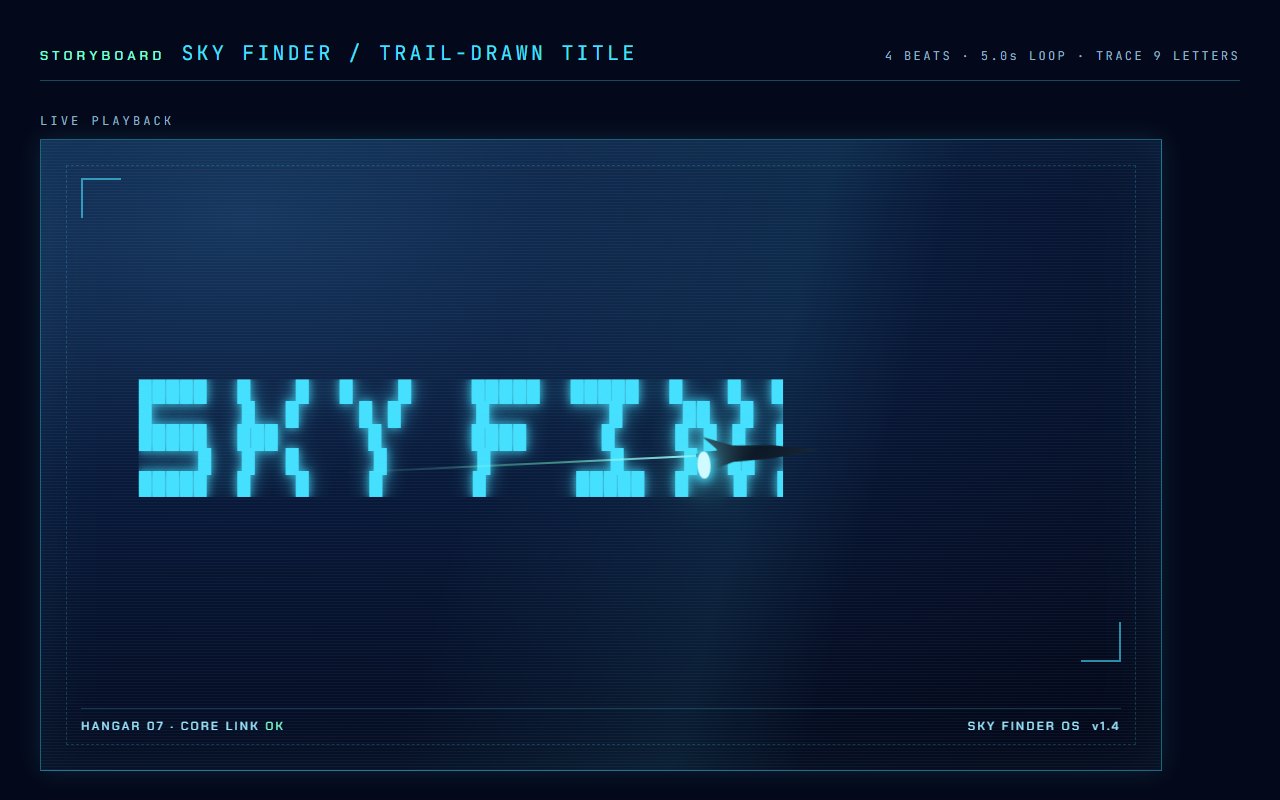
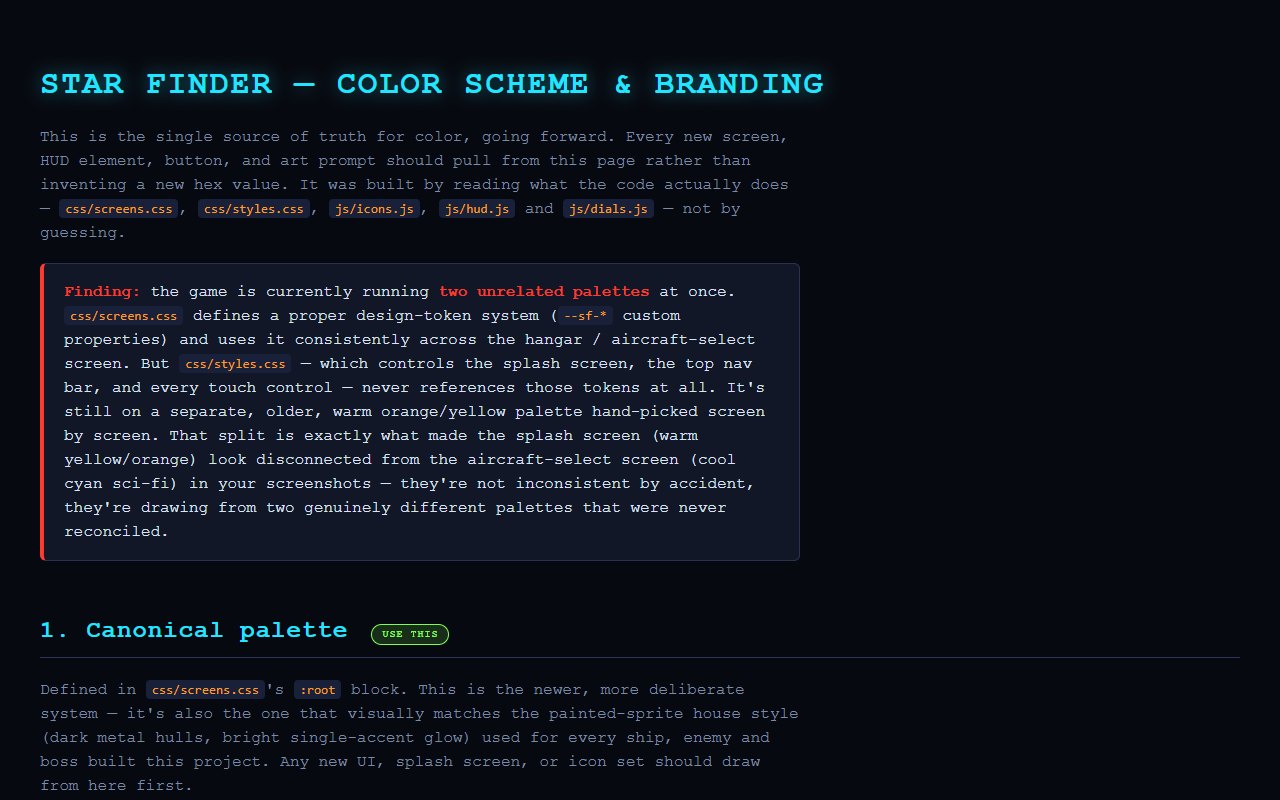
These files come from the Sky Finder project folder and were saved on this day.
Game Rules Log: September 23, 2026
- Started a full screen mobile friendly version
- Drag anywhere movement with full auto fire planned, plus a standard layout option in settings
- New splash screen loop with a leaderboard button
- HUD icon set and a style sheet from the game’s CSS
- Desktop scaling blur found as the cause of the blurry look on mobile
- Progress register and enemy aircraft register updated, with a level by aircraft timeline display
- About nine more aircraft coded into the game
- New superpower idea: a locked-in machine gun that targets every enemy
Version progress today: v181 to v202
Read what happens next in the dev diary: the next entry.

Diary Of A Mad Chaos is a daily diary written from March 1996 until today, of which individual books and book series have been created, namely “The Lost Years” an exploration of young, entwined love, the “Wubao In China (猎艳奇缘)” book series which provides an extensive comparative analysis of the cultural differences between Eastern and Western societies, and the book titled “Foreigner (华人)” an exploration of race relations in Australia.