
Thursday, September 24, 2026
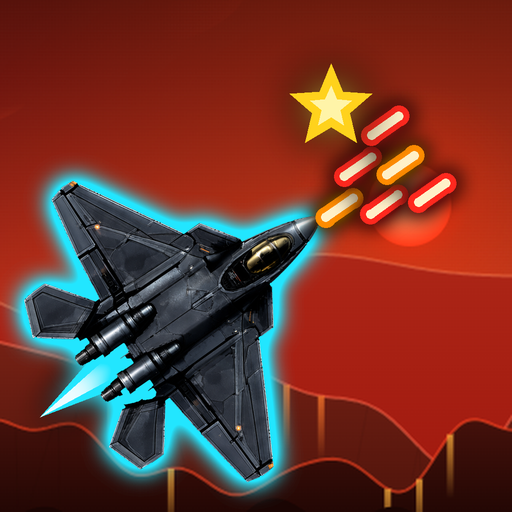
An idea fed to Claude Code
Before I went out in the early hours, I did a bit more work on my diary audio transcription. I got to the audio where I was talking about the Sky Finder game, so I got that out of the way. Then I fed that idea into Claude Code and got it to do some coding while I was gone.
Icons and a game area that snaps
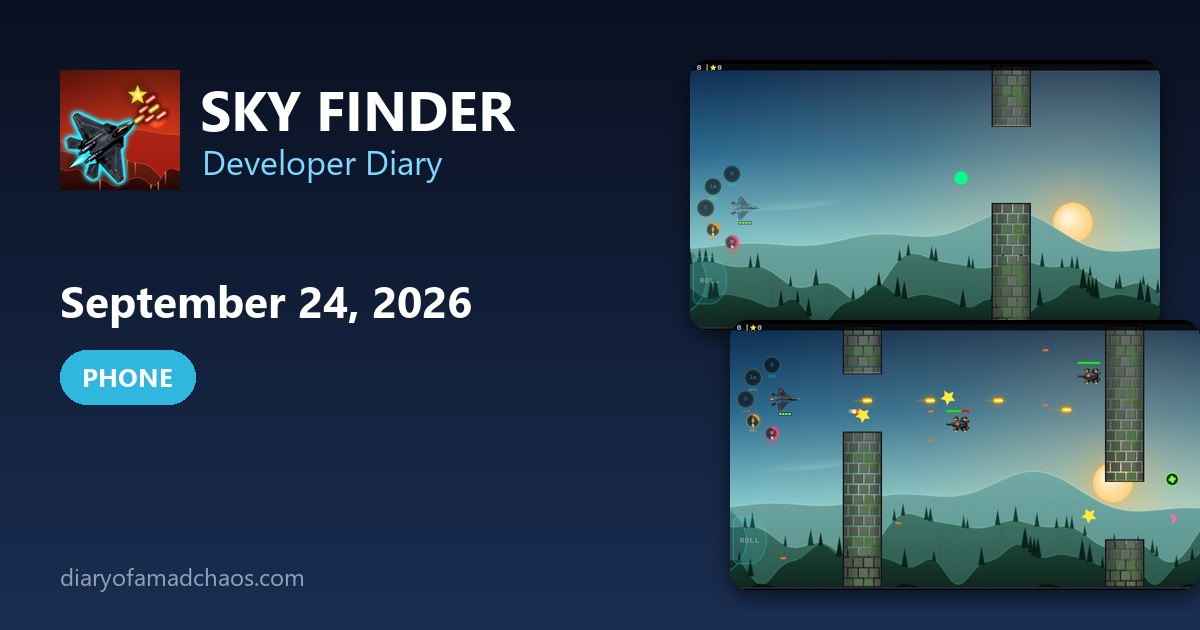
When I got back home I went to Star Finder again. The game had the joystick and buttons set up differently, and I asked it to add the icons for those buttons. It did a good job.
Then I asked it to make the game area snap in 0.25% increments as it gets bigger or smaller. I want the pixel ratio to stay the same, otherwise I get funny lines in the background images and it doesn’t look good.
The snapping also leaves space on the left and right sides of the screen. I asked it to put the gameplay buttons and the joystick in there. It did, and it looks much better now.
A stripped aircraft
After that I asked for some minor changes. One of the aircraft had most of its image stripped, because it was trying to create a true alpha transparent version. That just didn’t work. I was still working on those two things at the end of the night.
The arc of buttons
At 2:47 a.m. I sent Claude Code a note about the phone buttons. I wrote that the bottom fire button should act as a swivel anchor, and that the top button should rotate clockwise about 20 to 25 degrees or until it touches the screen edge. I drew the arc in orange and red and attached it. I also thought the joystick should sit slightly off the gameplay area.
The idea for the screen was to snap the resolution only by 0.5 increments, or even by 0.25. If the resolution is 800 by 400, a half step up is 1200 by 600 and a step down is 400 by 200. That keeps the pixel ratio even. Any leftover black area on the left and right sides is where the buttons should be pushed, as far into the black as possible.
At 4:51 a.m. the layout looked better, but the settings button was in the way of the four buttons, so I asked for it to go to the top left. I also said some background HUD should be hidden on phones.
Photos from today
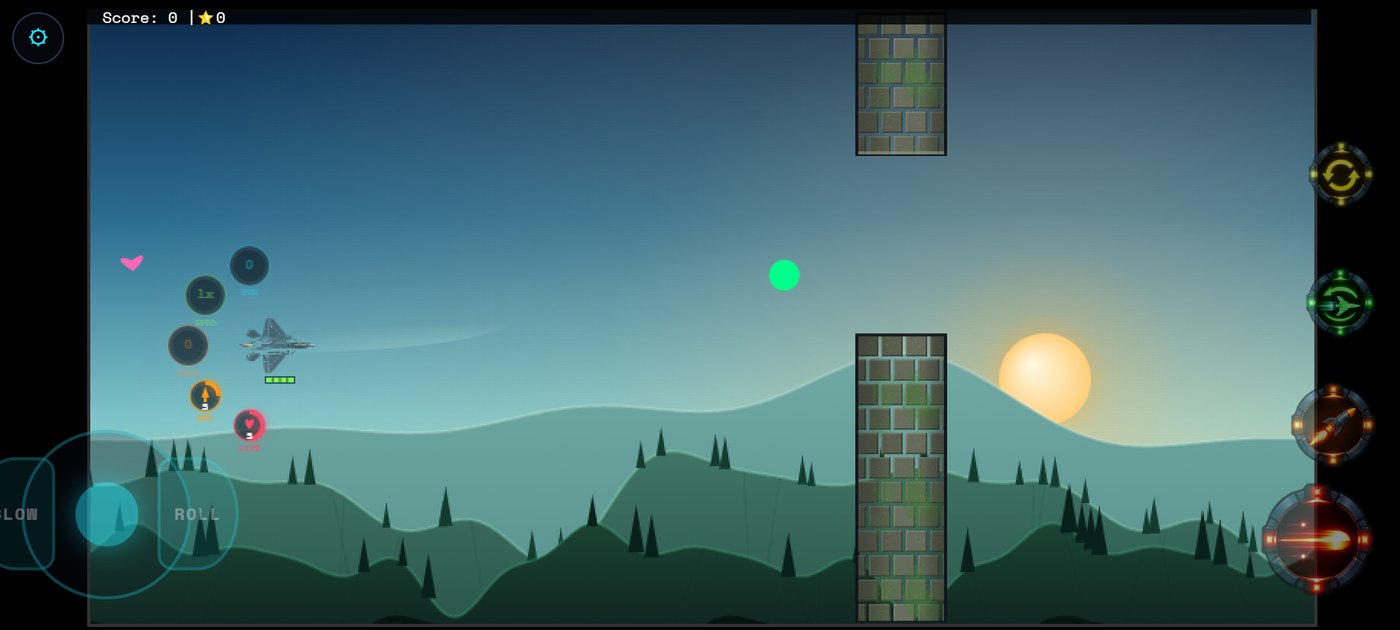
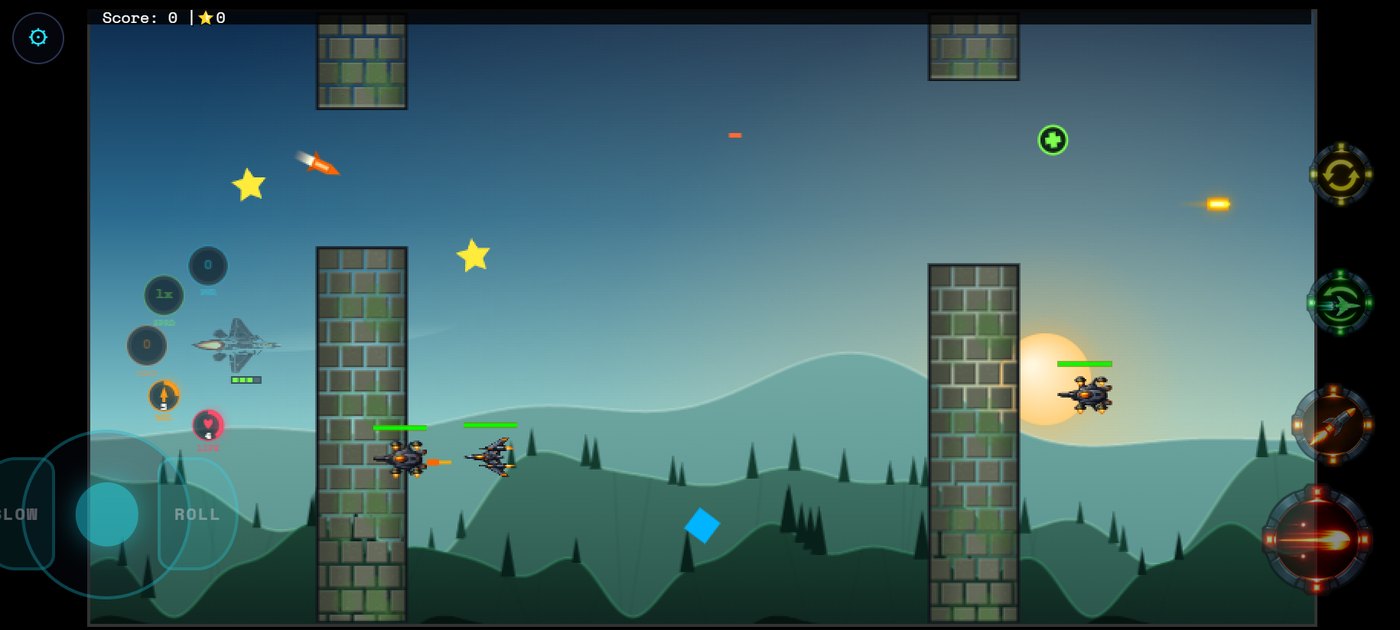
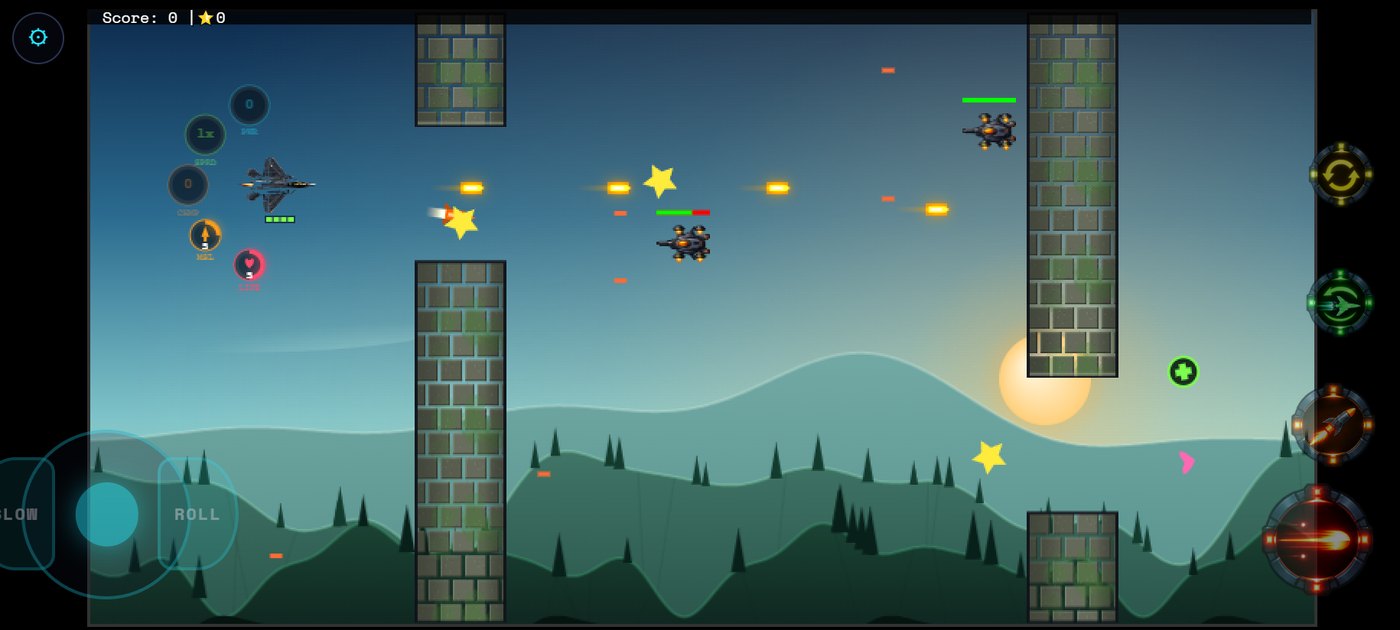
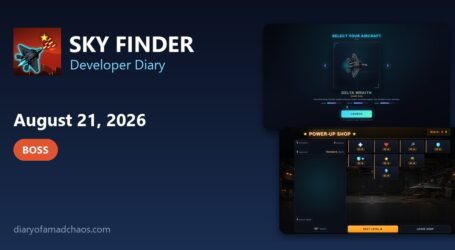
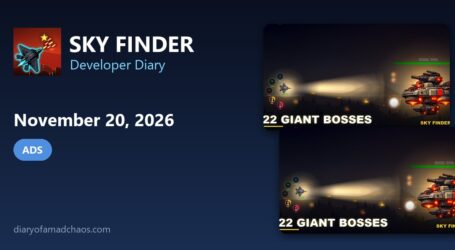
These screenshots were captured later by running the saved v204 build of the Android app from around this date in a test browser.
Game Rules Log: September 24, 2026
- Icons added for the joystick and buttons
- Game area snaps in 0.25 percent increments as it resizes, keeping the pixel ratio steady and removing lines in the background images
- Space on the left and right of the screen now holds the gameplay buttons and joystick
- One aircraft lost most of its image when a true alpha transparent version was tried
Version progress today: v203 to v204
Read what happens next in the dev diary: the next entry.

Diary Of A Mad Chaos is a daily diary written from March 1996 until today, of which individual books and book series have been created, namely “The Lost Years” an exploration of young, entwined love, the “Wubao In China (猎艳奇缘)” book series which provides an extensive comparative analysis of the cultural differences between Eastern and Western societies, and the book titled “Foreigner (华人)” an exploration of race relations in Australia.