
Thursday, June 25, 2026

Get Chaos Screen Recorder on Google Play
Paying for more Claude
At 1:05 a.m. I bought the Claude AI Max plan. I did not want to wait five hours every time I needed a new round of programming. The video recorder app was going well, and I wanted to keep working on it in the background. I hope all these apps will help fund the work I do.
Tidying the settings
The settings screen had grown into a long list, so I asked Claude AI to group the settings into boxes so you can see what belongs to what. I also asked for a small round floating button that saves your settings and closes the screen. I asked for a few other changes to the recorder at the same time.
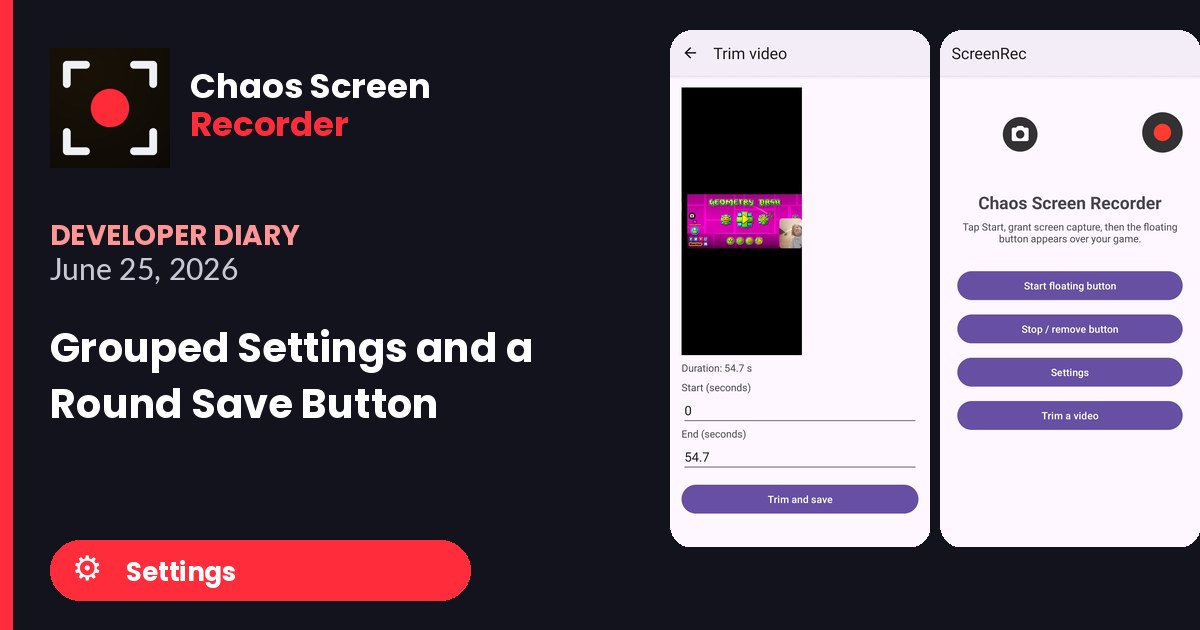
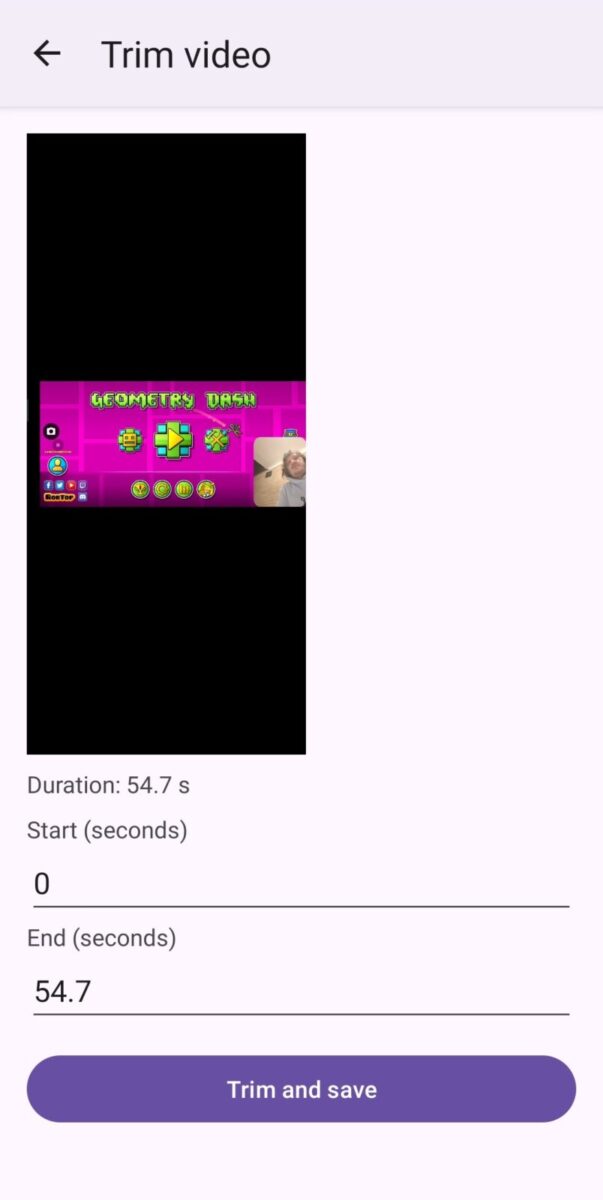
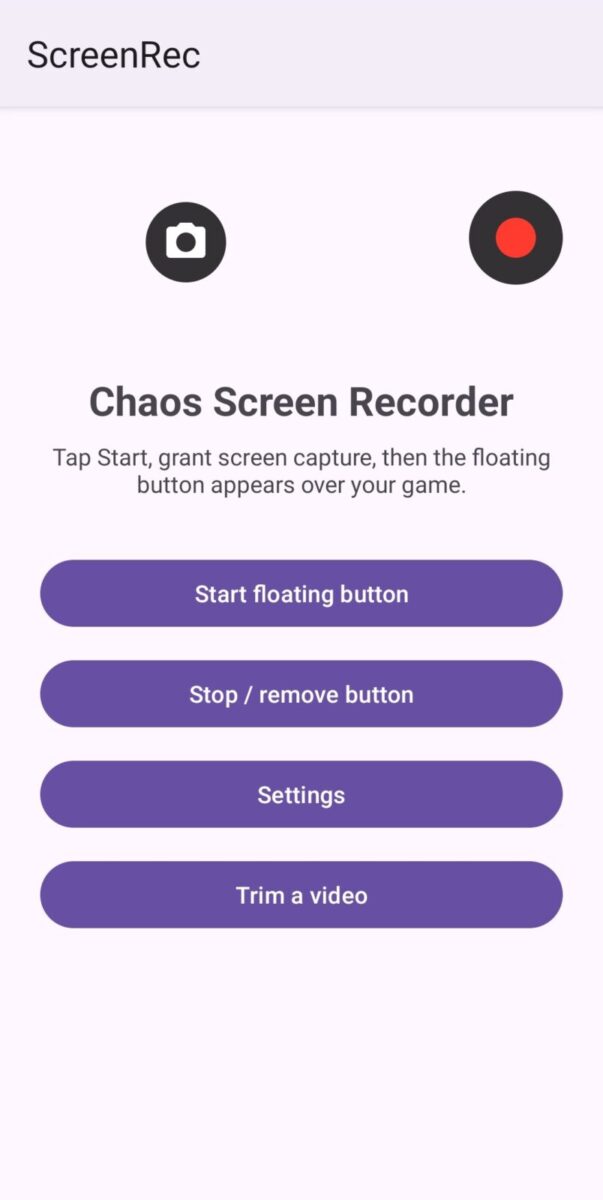
The trim tool was still the plain version where you type seconds. The screenshots from this day show that screen, the main screen with its start and stop buttons, and the permissions the app asks for now that it uses the camera and microphone.
Photos from today
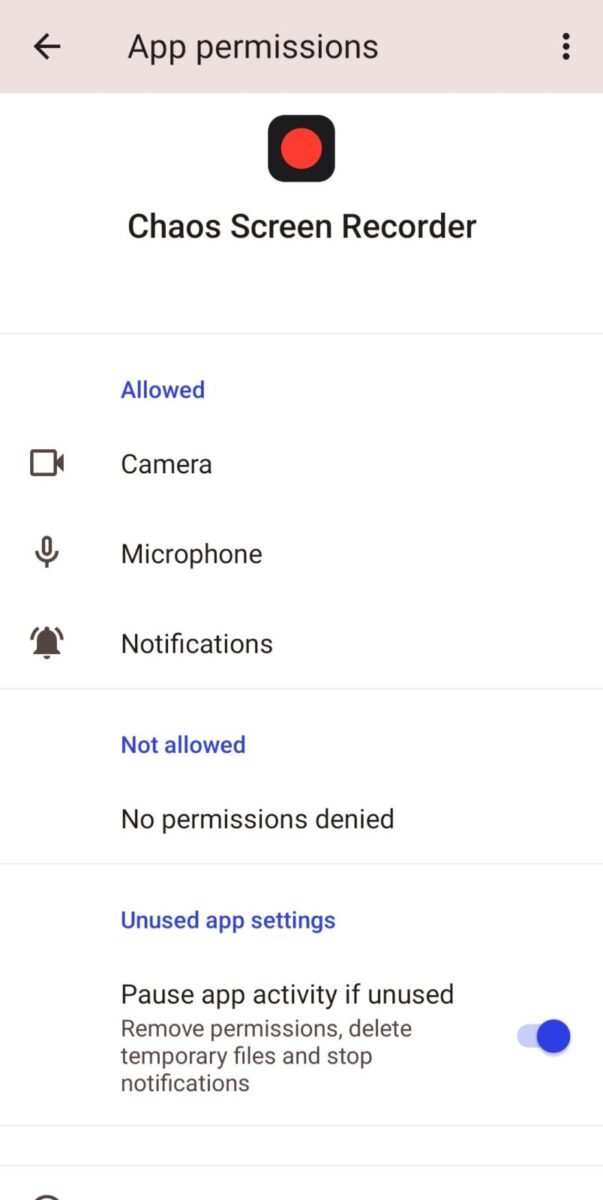
Feature Log: June 25, 2026
- Settings grouped into labeled boxes
- Small round floating button to save settings and exit
- Trim video screen working with typed start and end seconds
Version progress today: version 6 to version 7
Read what happens next in the dev diary: the next entry.

Diary Of A Mad Chaos is a daily diary written from March 1996 until today, of which individual books and book series have been created, namely “The Lost Years” an exploration of young, entwined love, the “Wubao In China (猎艳奇缘)” book series which provides an extensive comparative analysis of the cultural differences between Eastern and Western societies, and the book titled “Foreigner (华人)” an exploration of race relations in Australia.