
Tuesday, October 13, 2026

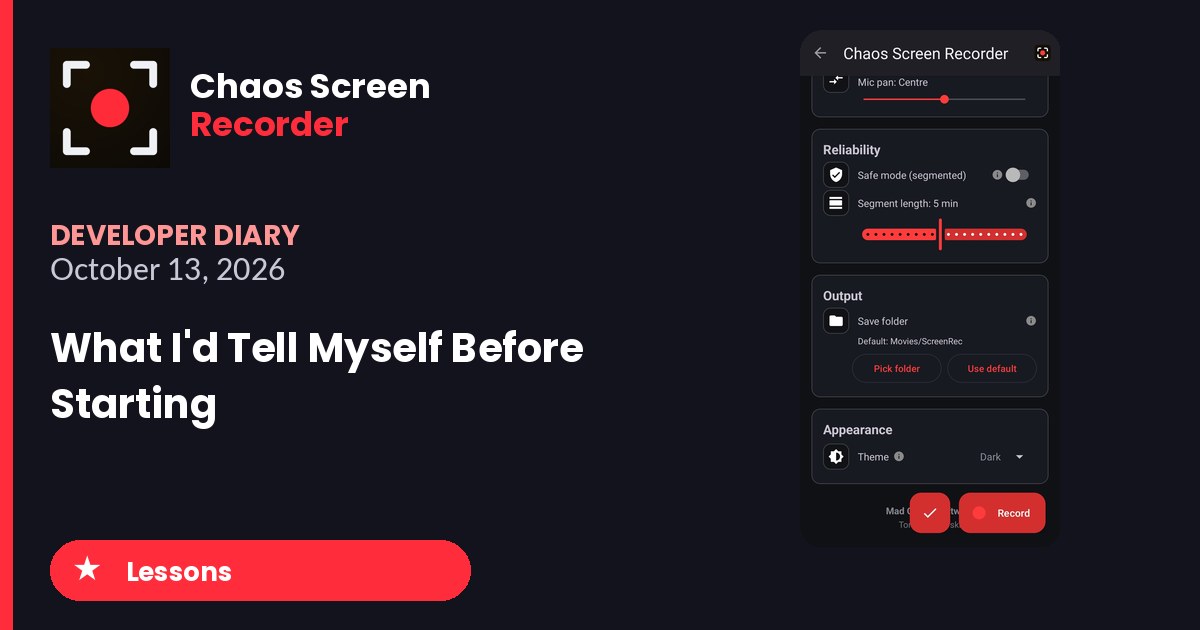
Get Chaos Screen Recorder on Google Play
What was harder than it looked
Building the app was the easy part. Getting it in front of people was the hard part. Google wants twelve testers for fourteen days before an app can go to production, and finding twelve real people took weeks. I sat on eleven for a while, needing just one more, and one tester who promised to test never did.
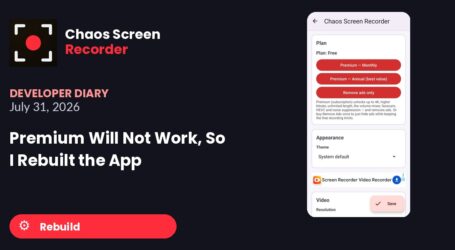
Payments were the other wall. On July 31 I could not get the premium products to work at all and ended up rebuilding the app from scratch with the new libraries. Even then I had to add a tester switch just to avoid fighting the payment handler.
Paperwork caught me too. A policy violation sat on the app for a couple of weeks before I finally cleared it, and on October 5 I found I had picked the wrong type of declaration in the store listing.
What was easier than expected
The first working version took one day. By the night of June 24 it recorded video, the microphone and the game together, and had a face camera. I did not even know I needed some of the features Claude added.
The ads were easy too. The commercial before you record meant the app could pay for itself without a watermark.
Things I didn’t know going in
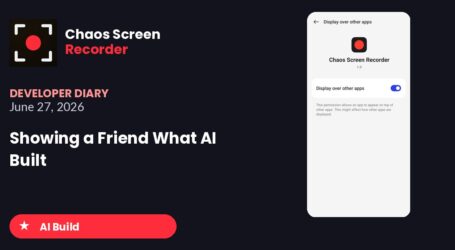
A recording app has to hide itself. The floating buttons ended up inside the videos, so I needed the one-pixel overlay and then a version that hides the button completely.
The premium version only works properly from a build that Google delivers. For a while I had to install my oldest version just to upgrade to premium.
Keeping several apps going at once means tangling them. On August 25 I spent half an hour confusing one app’s build with another.
Advice for anyone starting an app
- Put a free and premium switch in your testing build from day one.
- Start recruiting testers the day you upload your first bundle, not when you need them.
- Check every declaration in the store listing twice.
- Keep each app in its own project so builds do not get mixed up.
- Use your own app for real work. I recorded my own gameplay with it, and every problem I found made it better.
It is live now, it has earned its first cent, and it all started with wanting a recorder that could capture my son’s games.

Diary Of A Mad Chaos is a daily diary written from March 1996 until today, of which individual books and book series have been created, namely “The Lost Years” an exploration of young, entwined love, the “Wubao In China (猎艳奇缘)” book series which provides an extensive comparative analysis of the cultural differences between Eastern and Western societies, and the book titled “Foreigner (华人)” an exploration of race relations in Australia.