
August 23, 2026. Morning and evening.
A tester recommendation
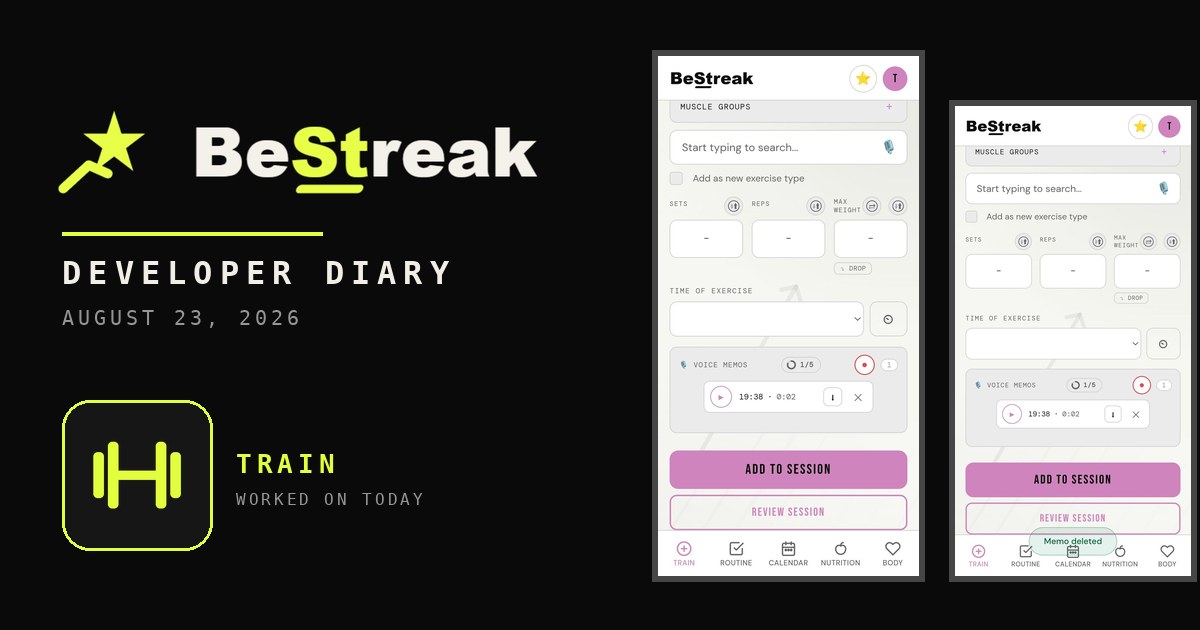
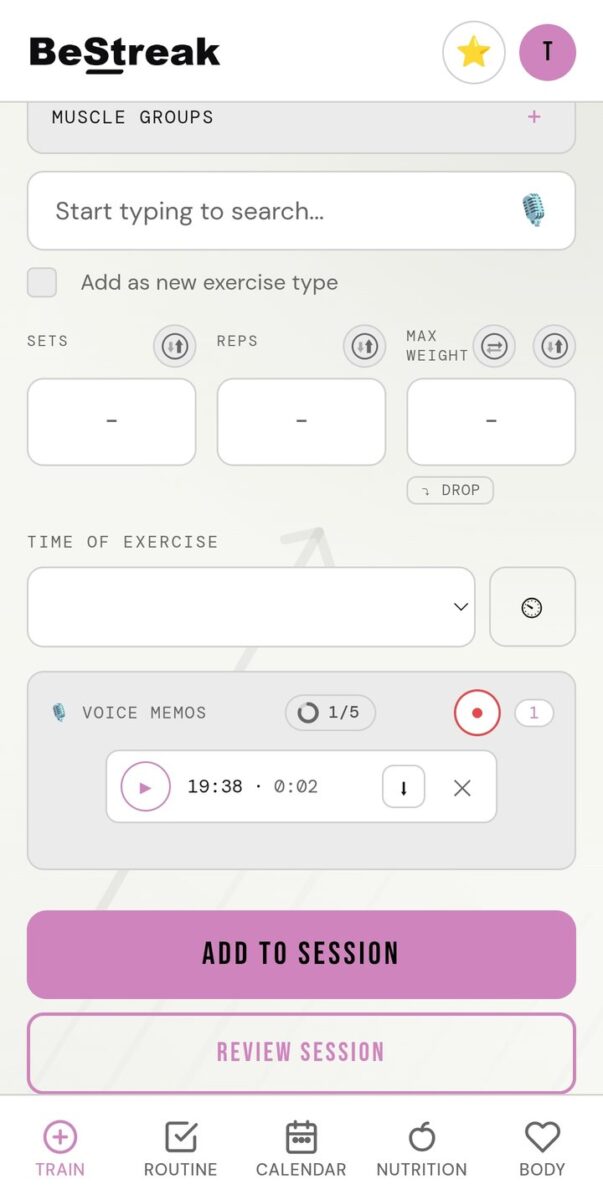
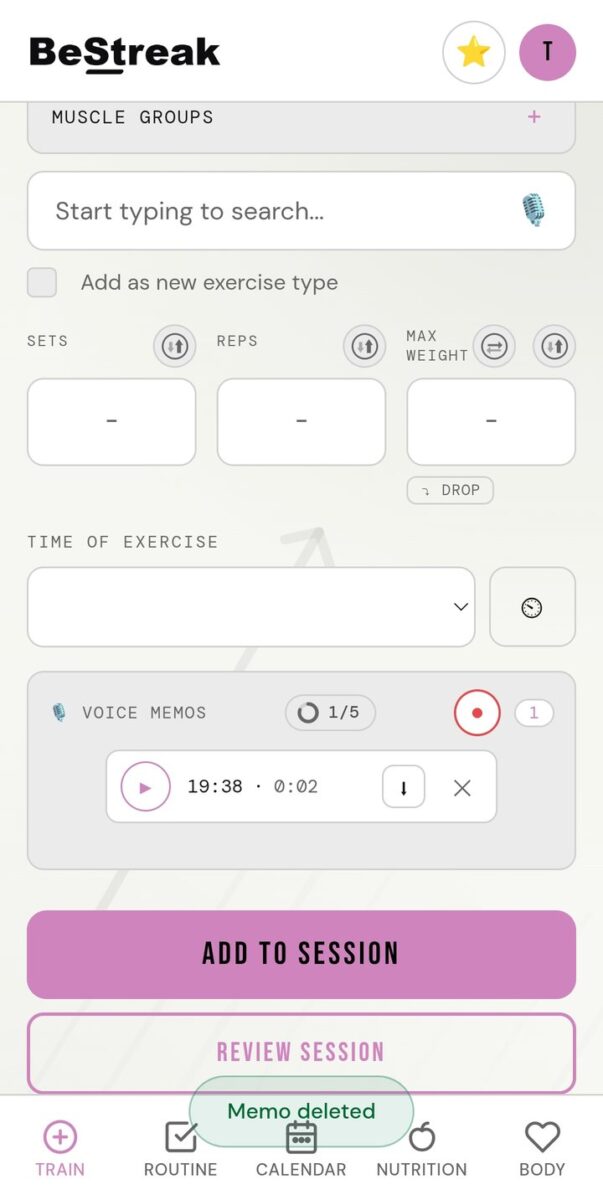
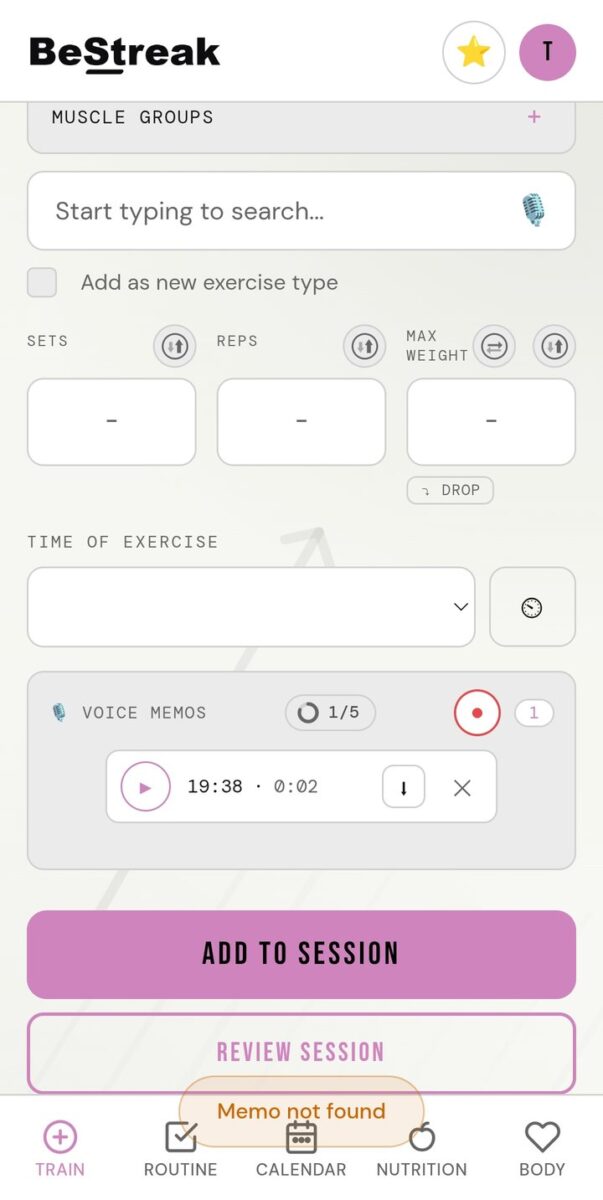
The update I did was something one of the closed testers had recommended. Some of the floating buttons on the training tab were getting in the way of what was underneath. You’d scroll down, want to type in an input box, and the floating buttons were in the way. If you tried to press a floating button, the press could slip between the pixels around it to whatever was underneath.
Padding and a disappearing act
I created bigger padding around each button so a press can’t fall through. Then I made the floating buttons disappear. If you press on an input on that screen, or even just a neutral area, the buttons slowly animate away. Scrolling brings them back.
By 1:40 p.m. I had uploaded two updates. I also threw the ideas from the other day straight into Claude AI to work on while I was away.
The clock
Tomorrow the next fourteen days of testing is up for that app, so I’ve asked people to hurry up and do a bit of testing so it might pass.
App Features Log: August 23, 2026
- Bigger touch padding around floating buttons
- Floating buttons fade when you tap an input and return on scroll
Photos from today
Read what happens next in the dev diary: the next entry.

Log your personal bests, plan your weekly routine and build a workout streak you will not want to break. Download the app on Google Play.


Diary Of A Mad Chaos is a daily diary written from March 1996 until today, of which individual books and book series have been created, namely “The Lost Years” an exploration of young, entwined love, the “Wubao In China (猎艳奇缘)” book series which provides an extensive comparative analysis of the cultural differences between Eastern and Western societies, and the book titled “Foreigner (华人)” an exploration of race relations in Australia.