May 10, 2026. 9:20 p.m. into the early hours.
Two features I wanted
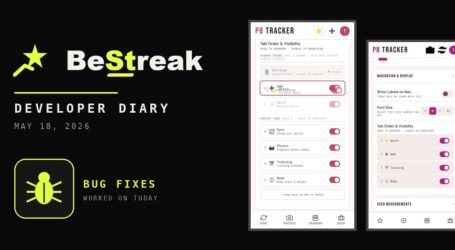
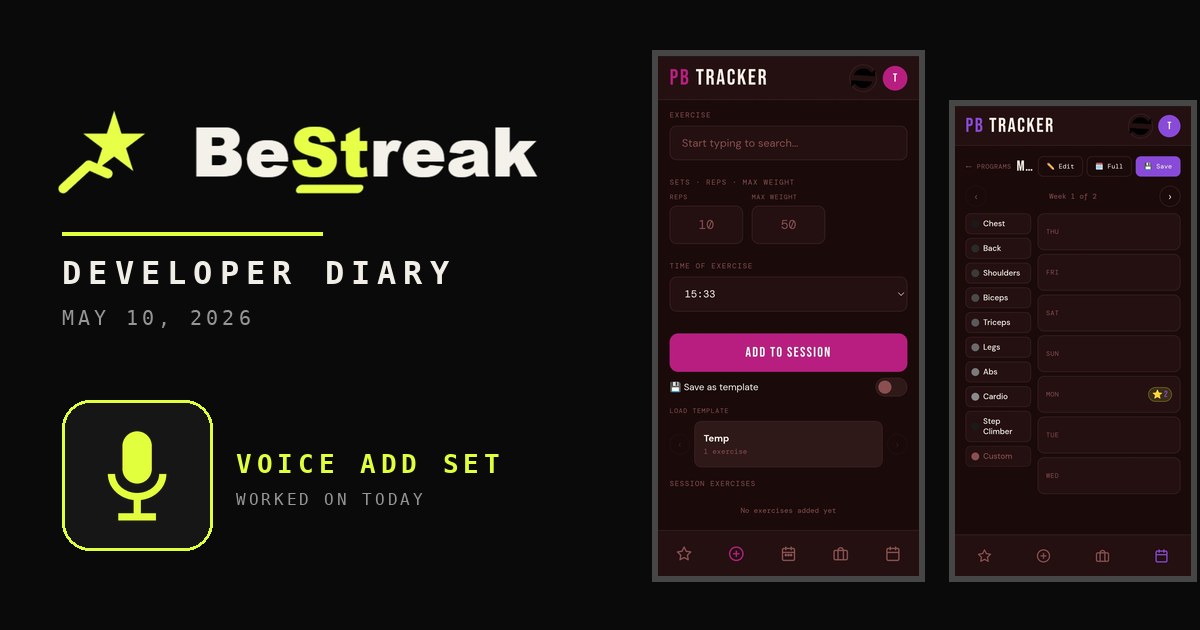
From 9:20 p.m. I was back working with Claude AI on the PB Tracker app. I wanted two new features. The first is audio to text in the input boxes, so that rather than typing in an exercise, I can speak it out. The second is swipe functionality, left and right like Tinder, to move between tabs. I don’t want to press the buttons down the bottom.
By 10:20 p.m. I was making good leaps and bounds. I added mobile swipe, screen auto rotation and session notes. In gym sessions or a loaded template, you can add text notes at the bottom, and there’s a microphone icon for that text area. That’s exactly what I needed at the gym to talk out my session. I tested it, it works, it saves to the database, and that’s beautiful.
A mode for lazy people like me
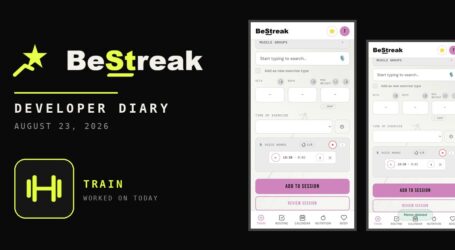
I also added a muscle group mode in the gym session and template tabs, with a pill toggle between exercise and muscle groups. If I don’t want to type out every single exercise, I can tap the muscle groups I did that day and fill in the individual exercises later. There are only about three muscle groups I work on any day, so it is only three entries.
In settings you can now toggle from major to minor body parts, so it’s not just legs. It’s quads, hamstrings, calves. Placeholders for numeric inputs now show a dash for reps, sets and duration, or a zero for weight and calories, instead of sample numbers.
I also asked Claude to go through my diary entries, pull out every time I weighed myself and every gym session, and create a JSON file, so I can upload it to the app and have more data.
Building the APK
I ran out of Claude credit as I was trying to figure out how to build the APK, so I started with ChatGPT. It ran me through the command line. I had to install the app creation tool through the command prompt and open up Android Studio. It took some hits and misses, but I pumped out an APK, downloaded that file to my phone, and unpacked it. I looked at it unpacking and thought, “Wow, I’ve got my own app.”
I opened it up, and what do you know, the app looked really good. Auto rotate worked. It loaded everything up from the Firebase cloud, and it was just terrific.
The only problem was the app icon. It created a generic one. I figured out how to create an icon, put it in an asset folder, and ran a command again, which created a variety of icons for the APK bundle. I loaded it back onto my phone and the icon was there. That’s great for me, because I’ve always wanted to figure out how to create apps, and now I can.

Log your personal bests, plan your weekly routine and build a workout streak you will not want to break. Download the app on Google Play.

App Features Log: May 10, 2026
- Swipe left and right between tabs
- Screen auto rotation
- Session notes up to 5,000 characters, with a microphone
- Muscle group mode alongside exercise mode
- Major or minor body parts toggle in settings
- First APK build with a custom icon
Read what happens next in the dev diary: the next entry.

Diary Of A Mad Chaos is a daily diary written from March 1996 until today, of which individual books and book series have been created, namely “The Lost Years” an exploration of young, entwined love, the “Wubao In China (猎艳奇缘)” book series which provides an extensive comparative analysis of the cultural differences between Eastern and Western societies, and the book titled “Foreigner (华人)” an exploration of race relations in Australia.