
Friday, October 2, 2026

Creating the app in Google Console
Around 1:20 a.m. I started working on different projects. I opened Star Finder again. To begin with, I wanted it to have an app created in Google Console, so I automated that process with Claude Code.
Meanwhile I went into the game and started adding new features and the Super Power Up collectibles.
The store listing begins
Anyway, I also had Sky Finder added to Google Console. Right now I’m getting Claude AI to take screenshots and write up the store listing.
With Sky Finder in Google Console, it’ll be the next game with a presence online. I think six apps all up will have been published online.
Walking through the Play Console steps
At 12:47 a.m. I opened one of my Claude chats and said I was going to add the game to Google Console now. I wanted it to follow a skill I had set up, so we could add the app automatically, step by step, with the create app page already open.
The privacy policy came first. I asked for help setting up a Firebase site, and I told Claude the game would include AdMob ads, that people play without logging in, and that it keeps a local database on the phone. The audience was adults and teens over 16. For the content rating I wrote that the game shoots bullets and rockets at other aircraft. For data safety I said I also collect Google Analytics. When it asked about an online leaderboard, I said no, but maybe in the future.
At 3:56 a.m. I asked for a good store description and for screenshots, taken as it played the game in mobile device mode, using console logs to skip to different sections. The first screenshots came from a partial copy of the game, so at 4:32 a.m. I wrote:
Use claude in chrome to run your real game with all its sprites and sounds instead of this partial copy.
Earlier, at 1:57 a.m., I had written another instruction for Claude Code about the lock on gun. It should be a collectible, not a sixth cycle power, with a small tray of two or three slots near the bottom of the screen. I wanted to start with about six collectibles: the lock on gun, a one off shield, a rapid fire burst, a screen wide slow down and a magnet for stars.
Photos from today
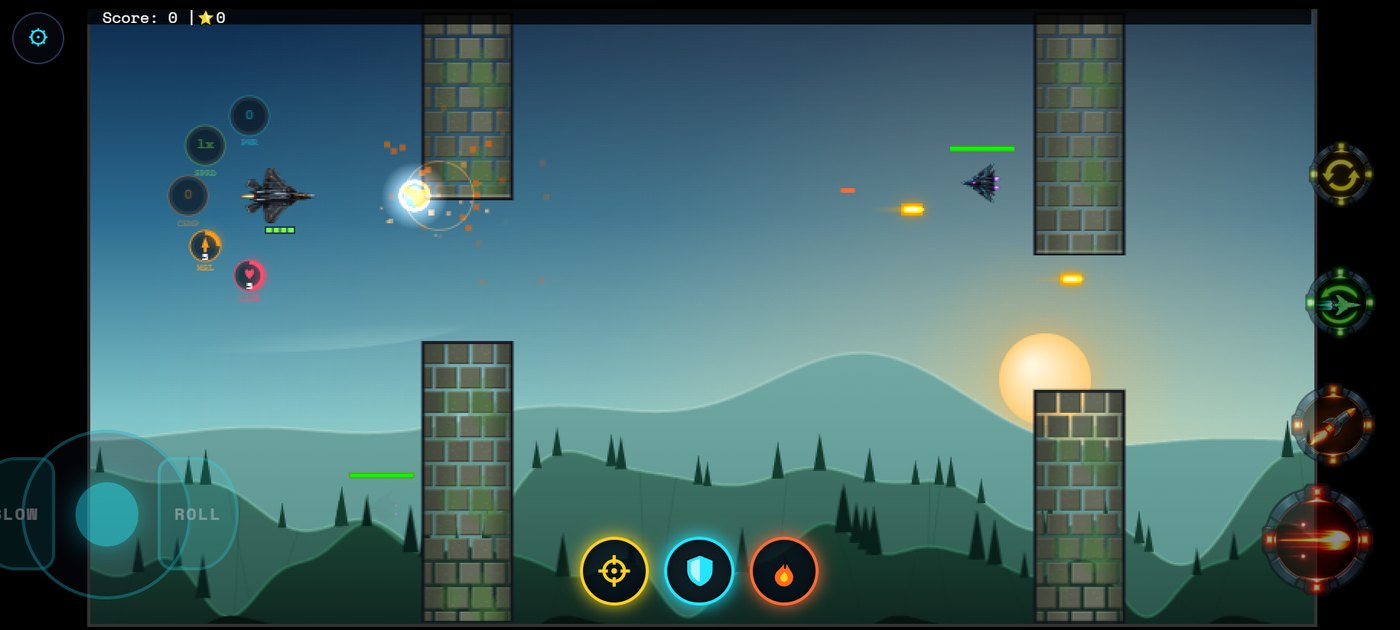
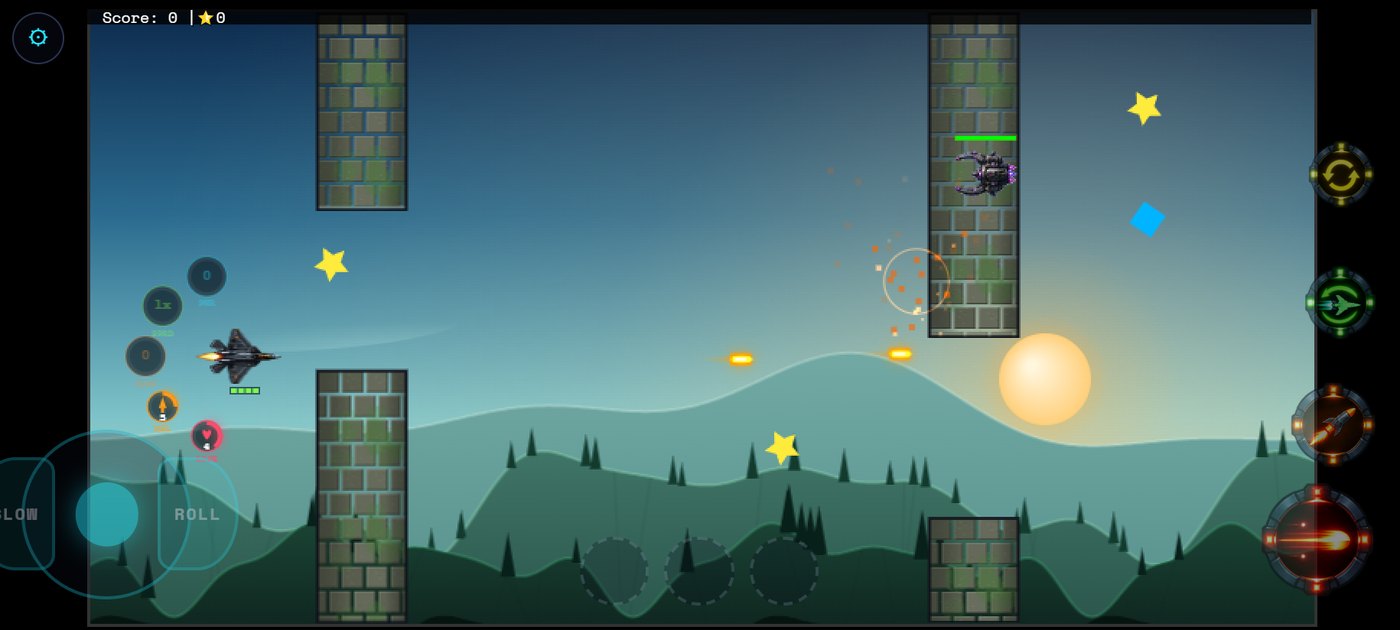
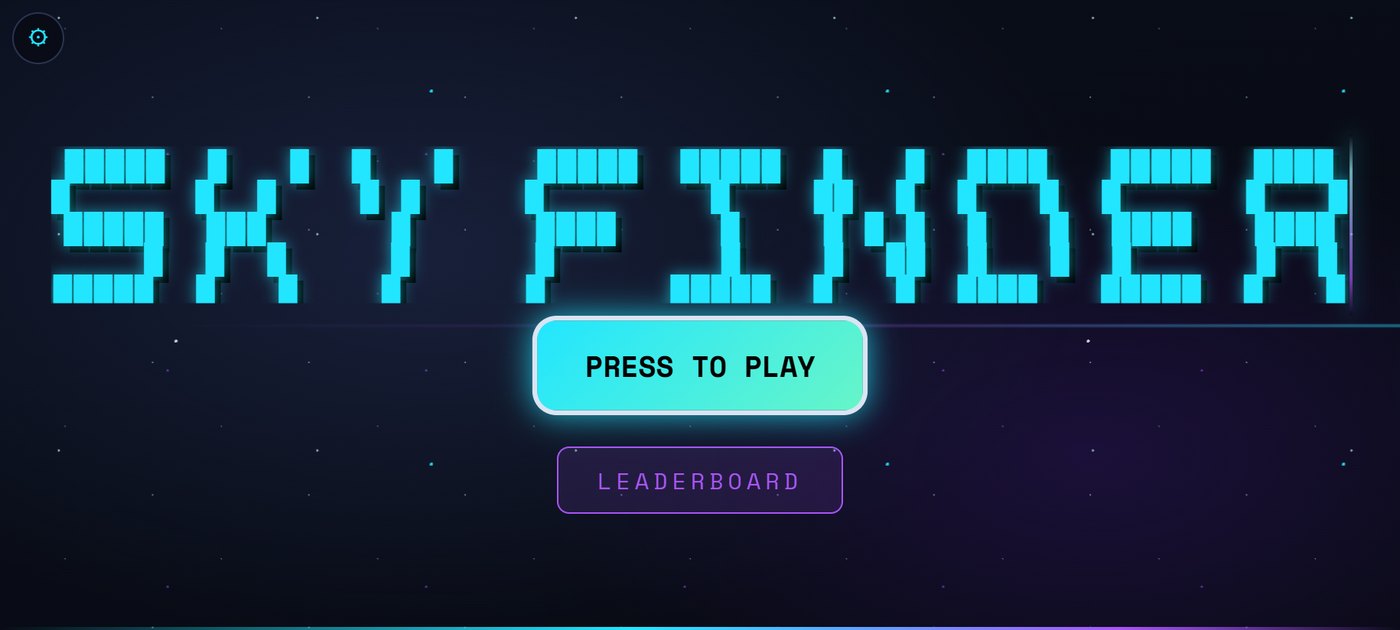
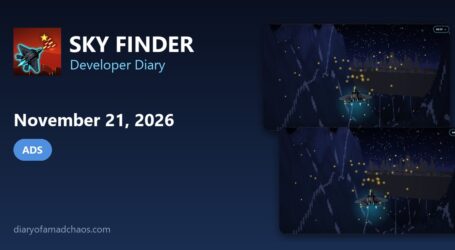
These screenshots were captured later by running the saved v216 build of the Android app from around this date in a test browser.
From the project files
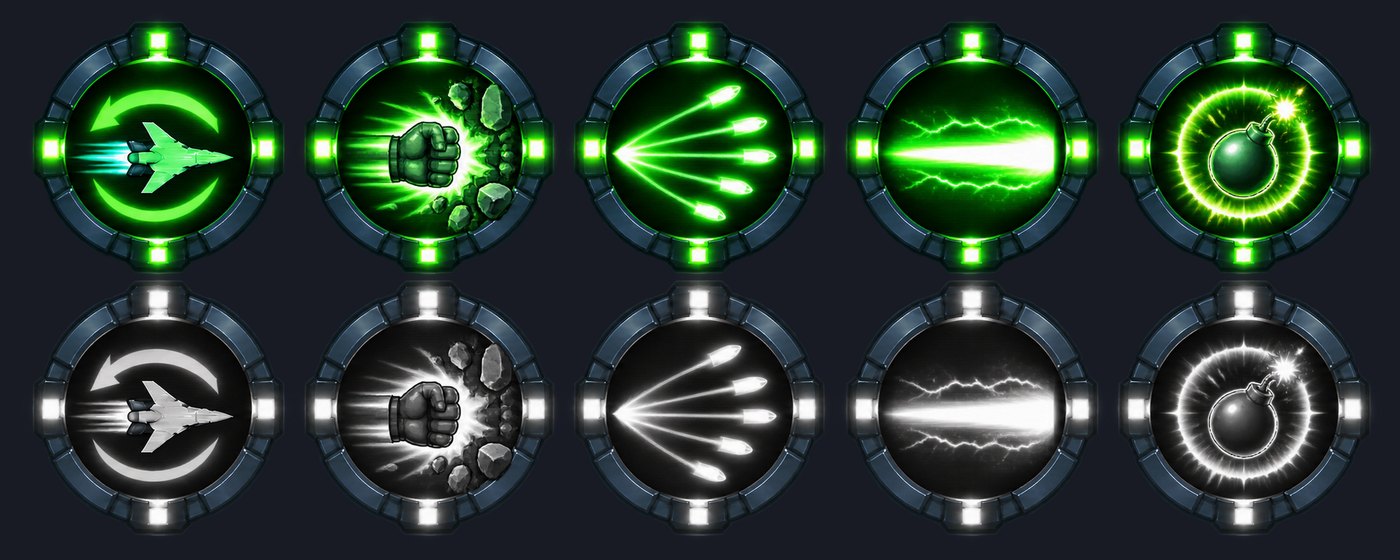
These files come from the Sky Finder project folder and were saved on this day.
Game Rules Log: October 2, 2026
- App created in Google Console, set up through a Claude Code automation
- New features and Super Power Up collectibles added to the game
- Store listing started: screenshots and write up produced by Claude AI
Version progress today: v214 to v216
Read what happens next in the dev diary: the next entry.

Diary Of A Mad Chaos is a daily diary written from March 1996 until today, of which individual books and book series have been created, namely “The Lost Years” an exploration of young, entwined love, the “Wubao In China (猎艳奇缘)” book series which provides an extensive comparative analysis of the cultural differences between Eastern and Western societies, and the book titled “Foreigner (华人)” an exploration of race relations in Australia.