

Sunday, October 18, 2026
Sending the crash and the lag to Claude Code
I woke up late in the morning and found my Claude usage was available again. So I got on the computer and started two projects. I opened the Sky Finder prompt window in Claude Code and wrote in everything I had written into ChatGPT the other night. I wanted it to work on the crash, and on the lag in the frame rate caused by the number of bullets on the screen at once.
I wanted to slow the bullets down once you get to five at a time, because that is where the lag starts. If they slow by a third, you see far fewer bullets on the screen. Maybe I can make the bullets longer too, which would be more effective. I also wanted to bundle three stacked vertical bullets into one image, and I wondered whether I could make sprites out of those instead of rendering them. That would still give the cool effect.
What 1,200 simulations found
After I got back home by 12:10 p.m., the Sky Finder testing was complete. It had run about 1,200 simulations and found a couple of bugs. In level nine the game crashed the moment you entered, because the code referenced a setting that no longer existed. Three boss attacks also threw errors when the boss died before a queued shot fired.
Wall textures were causing a slowdown too. The wall texture cache was never cleared, so walls kept the previous level’s material and the cache grew all session. The old level background canvases were not released straight away when the level changed either, so they kept building up. That could be why the game slows down when I have more firepower and the bullets hit the wall. All of those are fixed now.
I changed the fire rate so it slows down when you have six bullets or more, and I asked it to make the bullet longer while it slows so it still hits the target. Then I uploaded that to Google Play Console so I could test it on my phone.
Restyling the remaining screens
I also asked it to apply the new menu style to the rest of the screens, because it had only updated four of the eight. Then I asked it to update settings and the other modals, and to run a simulation through all the screens in the game. It found 10 more screens, mostly modals, so I asked it to update those with the new style as well. By 1:20 p.m. I was working on the Sky Finder app alongside other work. Before my afternoon nap I uploaded an AAB file of the latest version.
Redrawing the hazards
On the drive to pick Lance up, I got onto my phone and talked out some new features. I wanted hazard art. I wanted it to redraw all the hazards, because to be honest they did not look very good. I asked for a brand new style for the gates, new wall designs and a night mode demo.
I also asked for an automated playthrough of 30 runs to show there were no errors with each build. It told me each redrawn hazard has a cost, meaning how many milliseconds it takes to draw, and it gave me obstacle comparison sheets to look at. It did a good job.
Flat icons turned into 3D
By 9:15 p.m. I was home, looking at the obstacle comparison document, and I thought it had done a really good job. It turned the flat 2D icon obstacles into 3D and made them look really good with animations. I thought, “All right, that is exactly what I want in my game.” Some of the animations were not the best, but I am going to go with it.
After 11:05 p.m. I came back to the garage and looked at the obstacle register. Sky Finder had 17 obstacles already placed in it and integrated into the game. More than 20 had still not been introduced, so I asked it to integrate those.
Photos from today
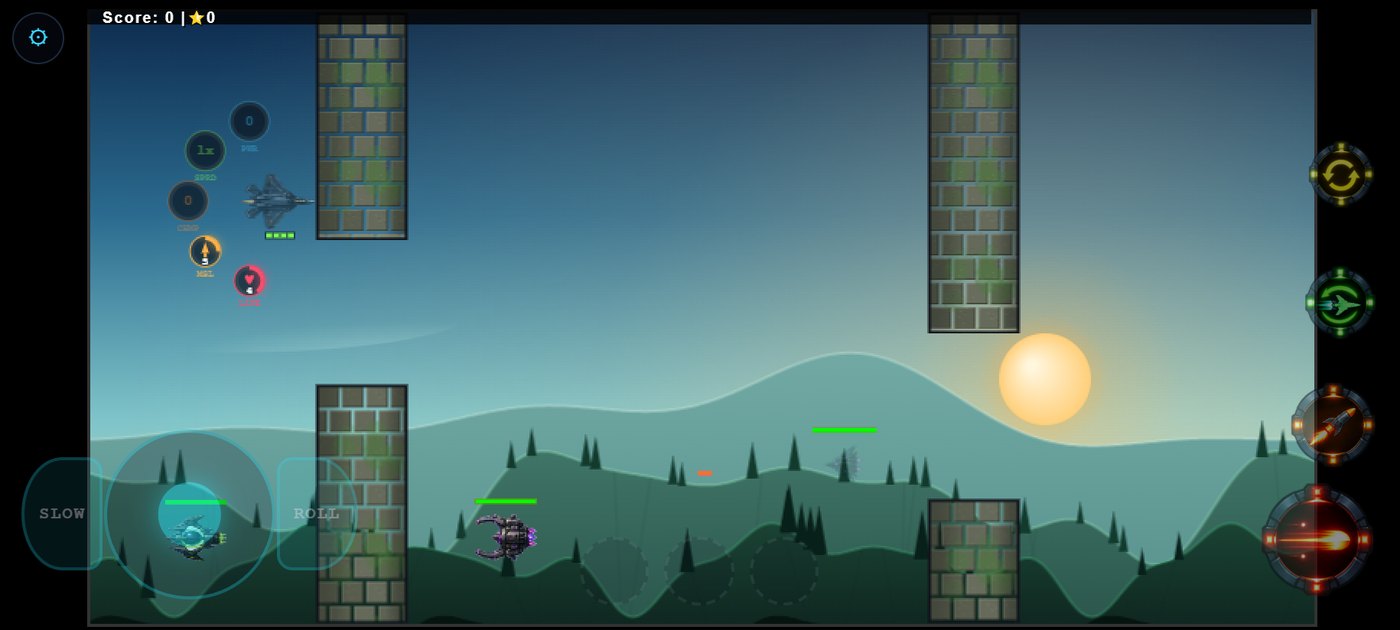
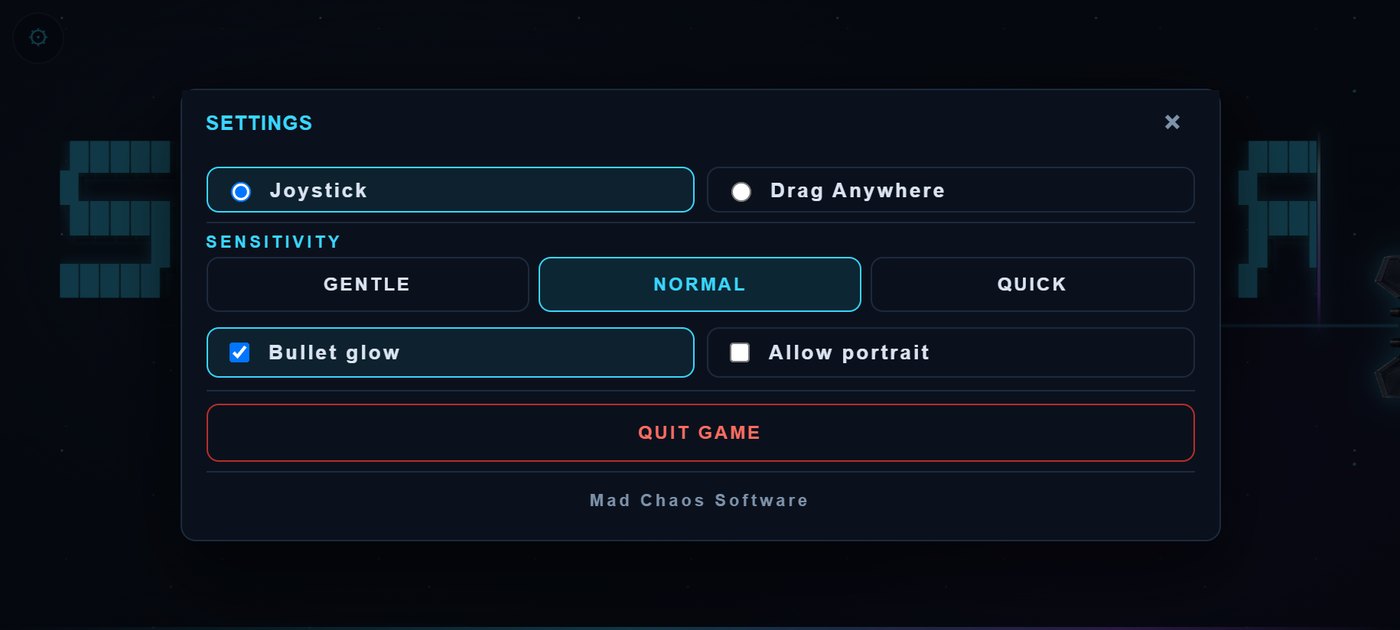

These screenshots were captured later by running the saved v242 build of the Android app from around this date in a test browser.
Game Rules Log: October 18, 2026
- Fire rate slows down at six bullets or more, and the bullet gets longer so it still hits
- Level nine crash on entry fixed (code referenced a setting that no longer existed)
- Three boss attacks no longer error when the boss dies before a queued shot fires
- Wall texture cache now cleared so walls do not keep the previous level’s material
- Old level background canvases released on level change
- New menu style applied to the remaining screens, settings and 10 more modal screens
- Hazards redrawn in a 3D style with animations: new gate and wall designs
- Obstacle register: 17 integrated, more than 20 still to be added
Version progress today: v234 to v242
Read what happens next in the dev diary: the next entry.

Diary Of A Mad Chaos is a daily diary written from March 1996 until today, of which individual books and book series have been created, namely “The Lost Years” an exploration of young, entwined love, the “Wubao In China (猎艳奇缘)” book series which provides an extensive comparative analysis of the cultural differences between Eastern and Western societies, and the book titled “Foreigner (华人)” an exploration of race relations in Australia.