May 7, 2026. Afternoon until midnight.
The best candidate for Google Play
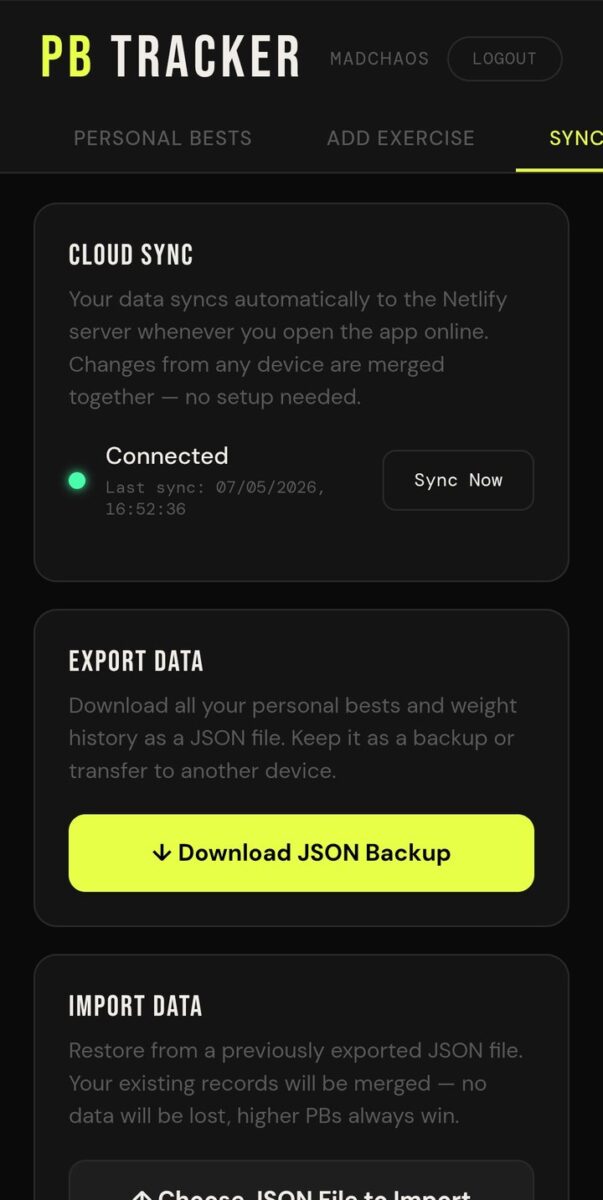
I figured I’ve got a few games and apps that are stable, and I should start to push them online to Google Play. The Personal Best Tracker app is probably the best candidate. I went back to Claude to figure out what my latest version was. I couldn’t find it in the usual places; I had to go into my goals and health goals folder to locate it.
It is interesting that the tracker started as a project on April 15, 2026. It’s only been around for a few weeks, but I’ve been testing it and it’s been doing what I want it to do.
A new version on Firebase
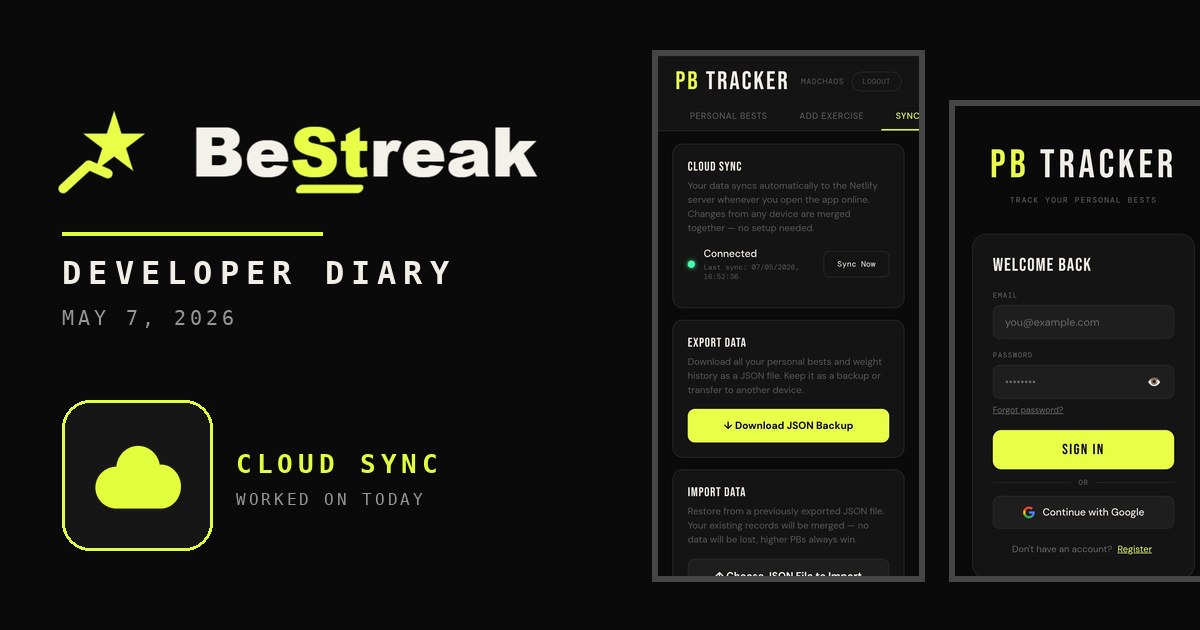
By 5:30 p.m. I had created a new version of the app. I want to set it up as a separate version on Firebase so I can spend another few weeks testing it. I had to move away from the Netlify database I was testing on.
I set the app up with lots of different options, though I don’t want to make it a full-blown app. I asked it to add weight and height on an onload screen, so when you first sign up, it asks for them. Then you have 160 or more different exercises you can choose from. I deployed my site through the command prompt using Node.js, up into Firebase. I don’t know what I’m doing, but I followed the instructions.
The black screen
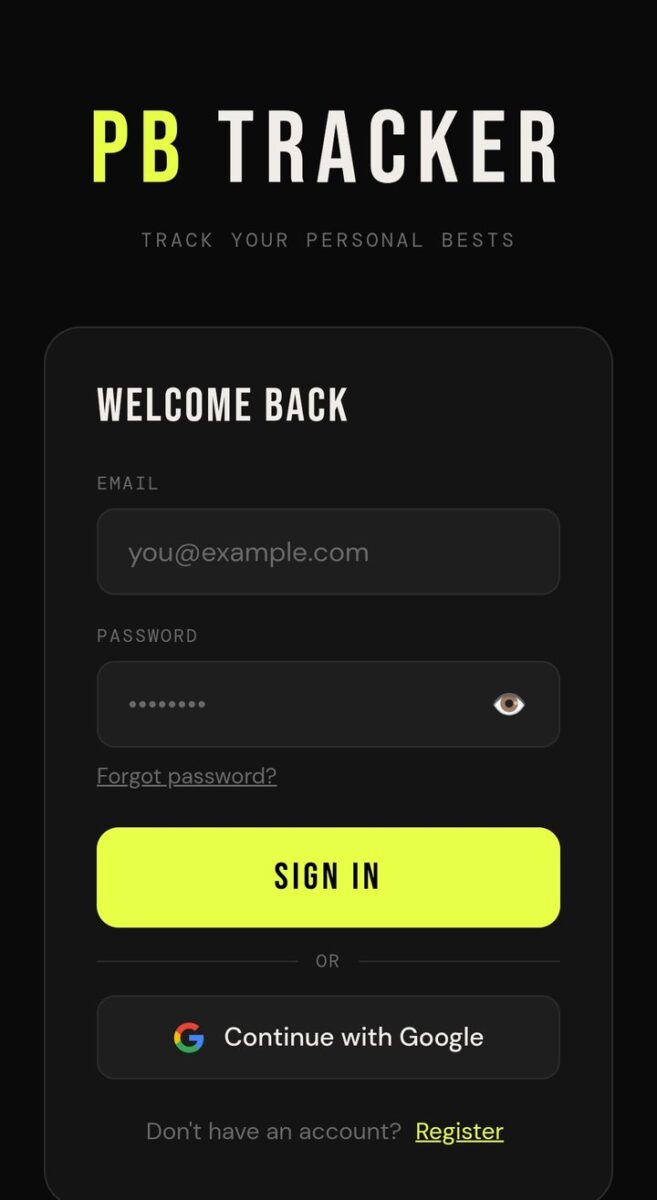
Then there was an error trying to log in. Once I tried to log in, the screen went black almost immediately. It was doing my head in. I took the issue through DeepSeek and through Claude. I burned through some money. I thought it was the Google login button, so I had that deleted. I checked Firebase credentials and authorizations. Nothing was working.
Finally I put console log entries across the entire process and figured it out. A div was not closed in the authorization screen. When that screen passed the user authentication check, it hid itself, but because there was no closing div tag, it hid the entire website, since all the other blocks were mistakenly sitting inside it.
I thought, “I burned all those credits for that.” I used to do CSS for a living. I should have known that. Once I cleared that up, the PB Tracker app was working.
A programs tab before bed
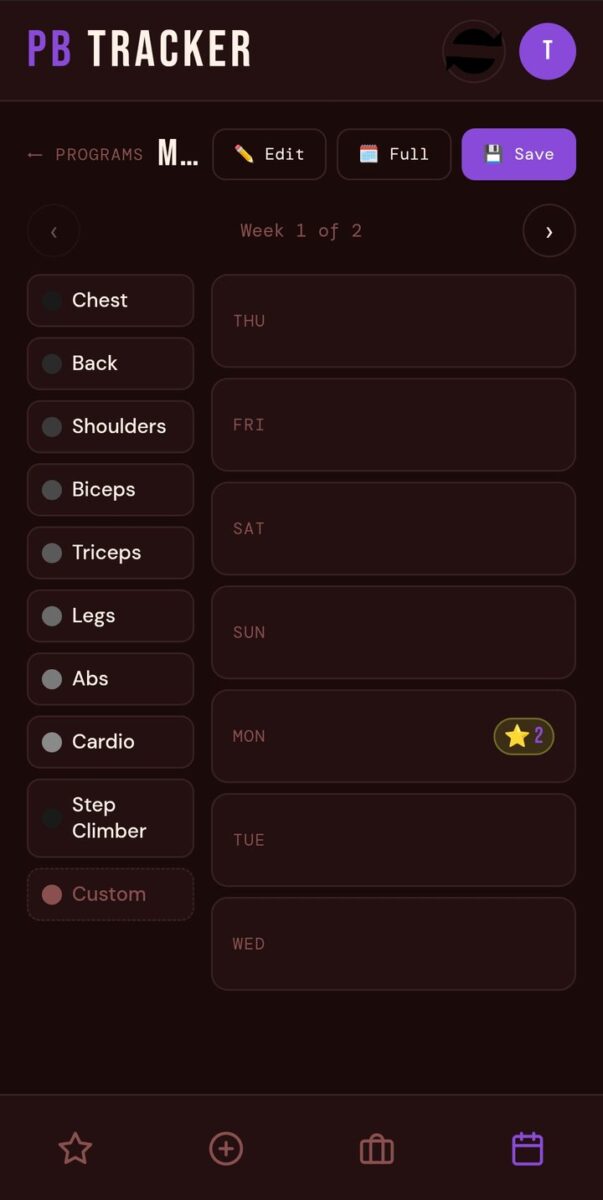
After that I added a programs tab. You add a new program, and then you have a legend on the left and a vertical weekly view on the right. You drag and drop body parts from the legend to the day you want. The planner also uses your personal bests, so if you hit one on a particular day, it shows as an icon on the weekly schedule.
App Features Log: May 7, 2026
- Database moved from Netlify to Firebase
- Weight and height asked on first sign up
- 160 or more exercises to choose from
- Black screen on login fixed: an unclosed div in the authorization screen
- New programs tab with drag and drop body parts onto a weekly view
Photos from today
Read what happens next in the dev diary: the next entry.
Log your personal bests, plan your weekly routine and build a workout streak you will not want to break. Download the app on Google Play.


Diary Of A Mad Chaos is a daily diary written from March 1996 until today, of which individual books and book series have been created, namely “The Lost Years” an exploration of young, entwined love, the “Wubao In China (猎艳奇缘)” book series which provides an extensive comparative analysis of the cultural differences between Eastern and Western societies, and the book titled “Foreigner (华人)” an exploration of race relations in Australia.